Track UTM parameters and Google Ads IDs in forms
Capture campaign data automatically with Framer forms.
Framer makes it easy to capture UTM parameters and Google Ads Click IDs (GCLIDs) with every form submission, so you can track where conversions come from.
Note: This feature is available on the Scale and Enterprise plans.
How to enable UTM and GCLID tracking
You can enable UTM and Google Ads click ID tracking directly from your site settings. Once enabled, Framer automatically includes campaign data with each form submission.
Open Site settings in Framer.
Select Forms from the left-side menu.
Enable Campaign tracking.
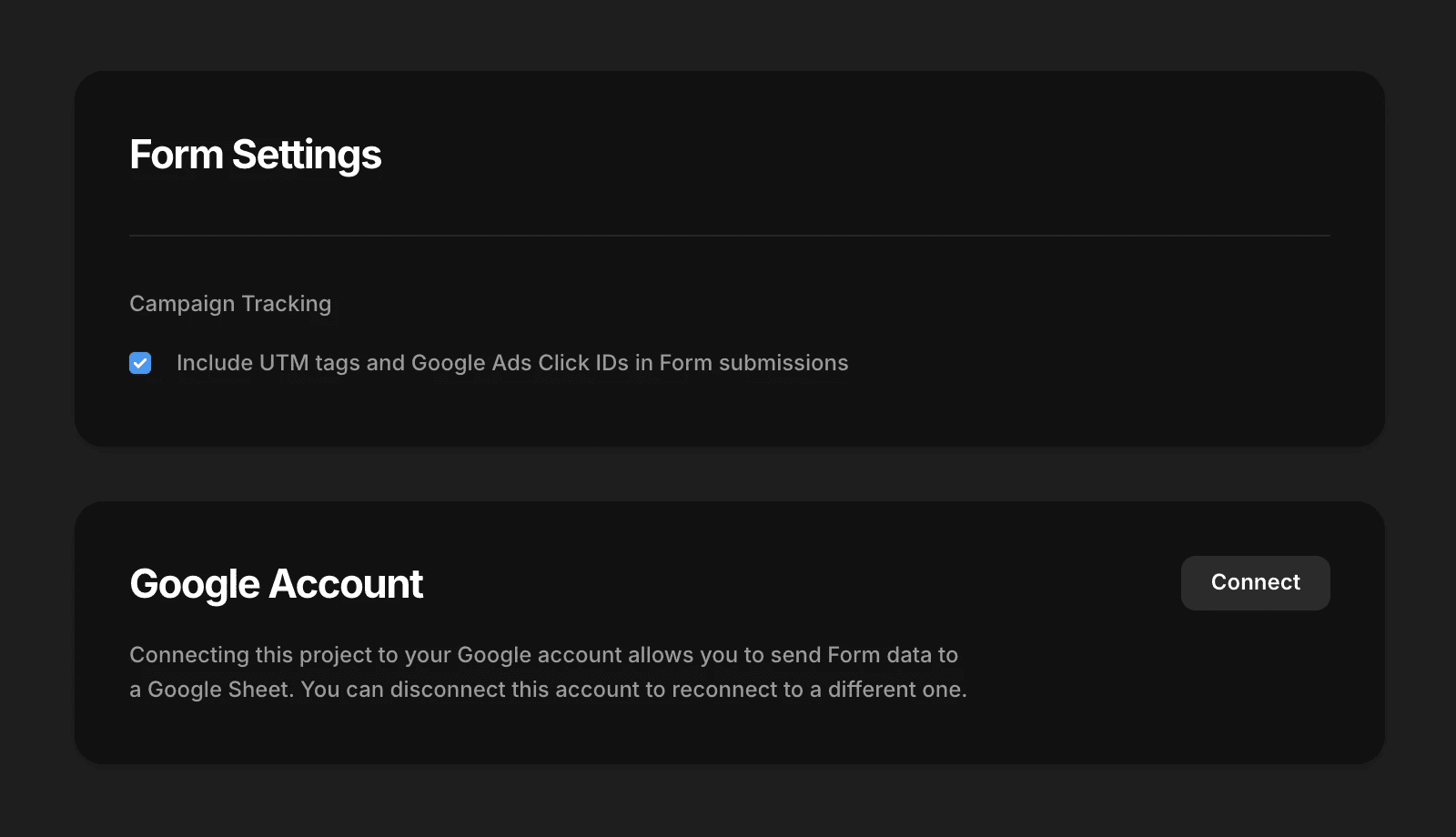
After this option is enabled, UTM parameters and GCLID values are automatically added to your form submission data.
If you need more control, such as capturing additional URL parameters, you can add hidden fields to your forms and map them to the values you want to collect.
Updated