What is AI Style
Learn how AI Style helps you guide the tone and voice of AI-powered translations in Framer.
AI Style lets you influence how Framer’s AI translates and presents your content, so it stays aligned with your brand voice.
What is AI Style
Framer includes built-in localization tools that let you translate your site content using AI. AI Style builds on this by giving you more control over how those translations are written.
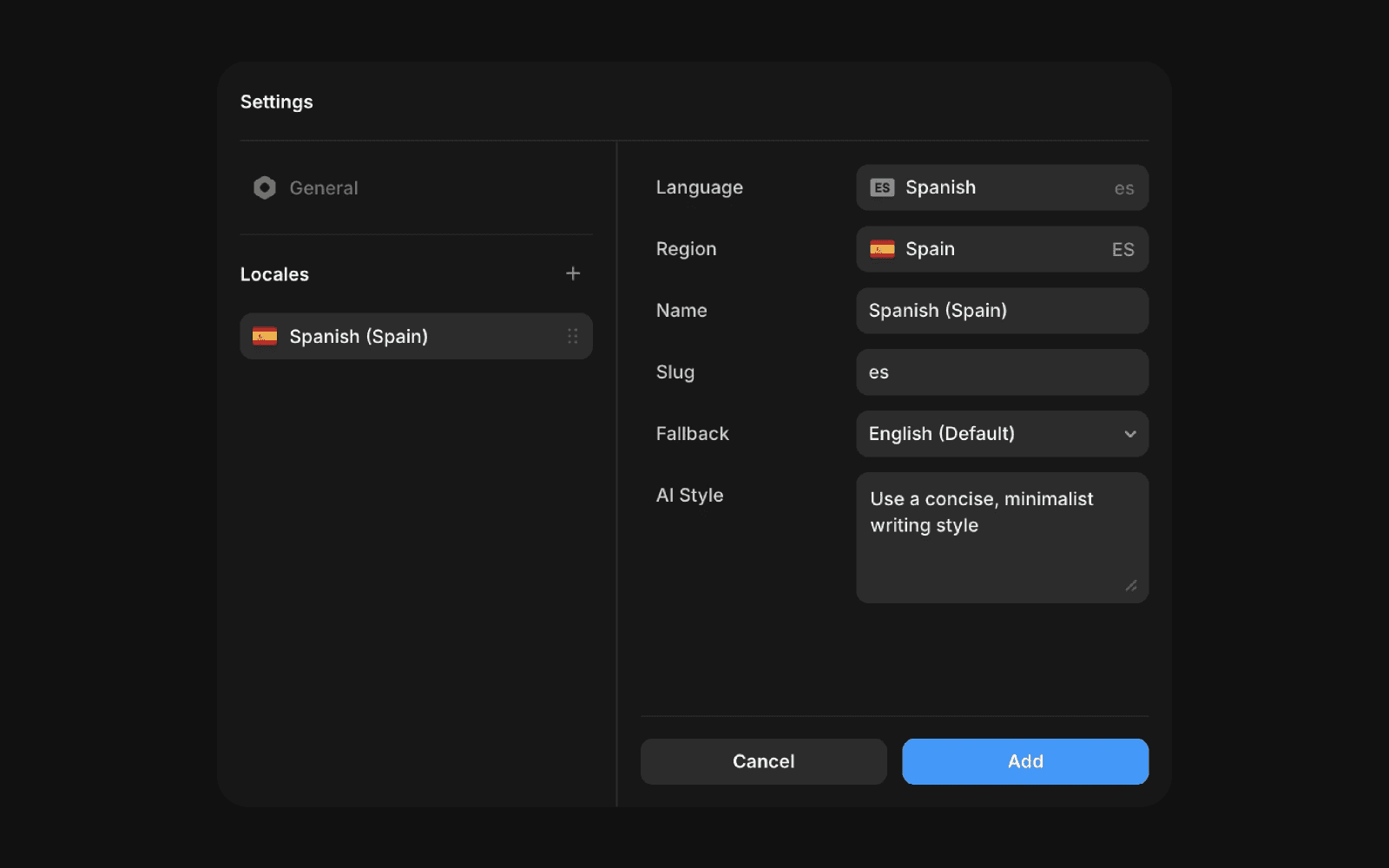
With AI Style, you provide a custom prompt that guides the AI’s tone, structure, and overall voice. This helps ensure translations feel intentional, consistent, and aligned with your brand, rather than generic or purely literal.
Why AI Style is useful
AI Style is especially helpful when you want to maintain a consistent voice across languages. Instead of accepting default translations, you can shape how the AI interprets and rewrites your content.
This is useful for:
Keeping a consistent brand tone across all locales
Matching translations to your design or creative direction
Adapting language for specific audiences, such as technical, friendly, or marketing-focused readers
How AI Style works
AI Style acts as creative direction for the AI. You describe how the AI should “think” when translating your content, and Framer applies that guidance across your localized text.
For example, you might ask the AI to:
Write in a friendly and conversational tone
Use a concise, minimalist writing style
Sound professional and authoritative
Adapt wording for a younger or more playful audience
The clearer your prompt, the more accurately the AI can reflect your intended style.
Updated