How to submit a Tutorial
Learn how to prepare, preview, and submit your tutorial to the Framer Marketplace.
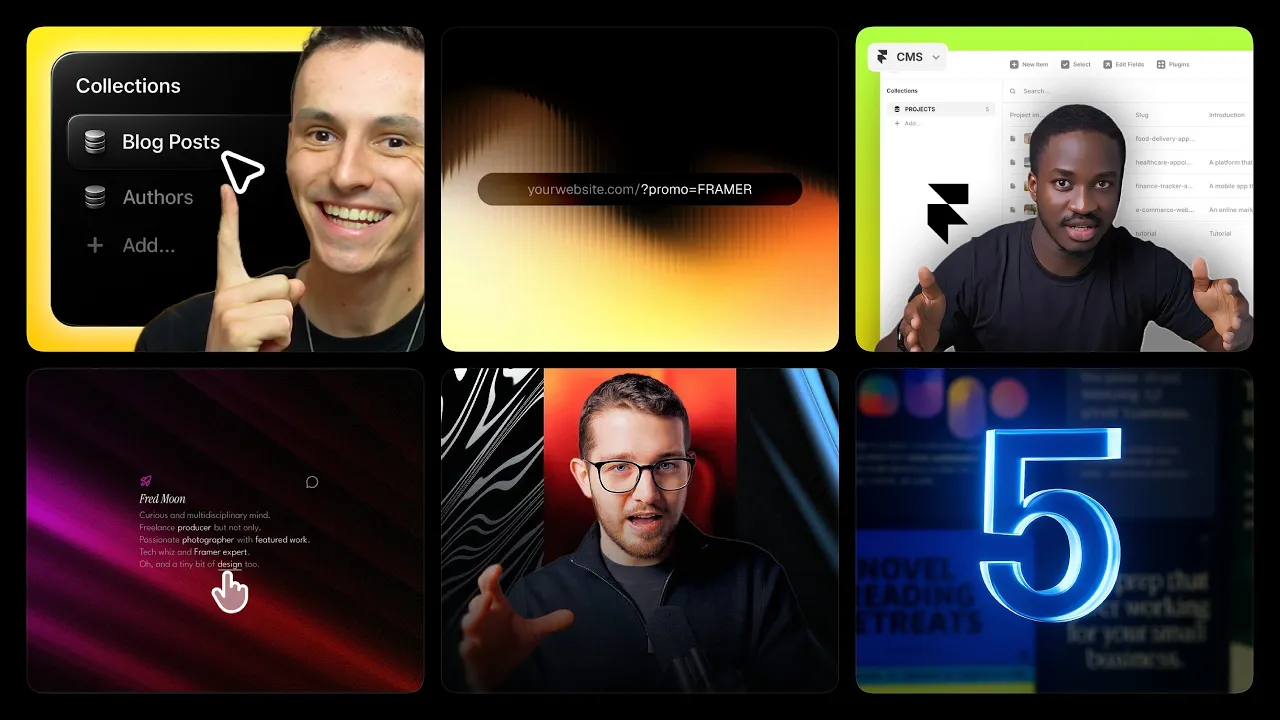
Sharing your tutorials on the Framer Marketplace helps you reach a wide audience and showcase your work to a growing creator economy.
Before you submit
Make sure your tutorial is fully polished before submitting:
Read it thoroughly to catch any typos or formatting issues.
Ensure the writing is clear, consistent, and aligned with Framer’s language.
Double-check that the title, description, and images are complete and accurate.
Review the Tutorial Requirements to confirm your tutorial meets the quality standards.
Submitting your tutorial
When you are ready to share your work, follow these steps:
Open the Creator Dashboard and click New Tutorial.
Add all required information. If your tutorial is a video, include the YouTube URL. If it’s written, add the full tutorial content directly.
Click Submit to send your tutorial for review.
You can track your tutorial’s status at any time in the Creator Dashboard.
Review process and timing
All tutorials are reviewed by the Framer team to ensure they are accurate, clear, and meet quality standards. The review process may take up to 14 days.
At the end of the review, you will receive one of the following outcomes:
Accepted: your tutorial is approved and published on the Marketplace.
Rejected: your tutorial needs changes before it can be published. You will receive feedback so you can revise and resubmit.
Submission status
After submitting your tutorial, you can follow its progress in the Creator Dashboard.
Status | Meaning |
|---|---|
Draft | Saved but not submitted for review |
In Review | Under review by the Framer team |
Needs Changes | Updates requested by the Framer team |
Published | Live on the Framer Marketplace |
Rejected | Not approved for publication |
If you have any questions or need further assistance, please feel free to reach out to us at creators@framer.com.
Updated