CMS 3.0
Published
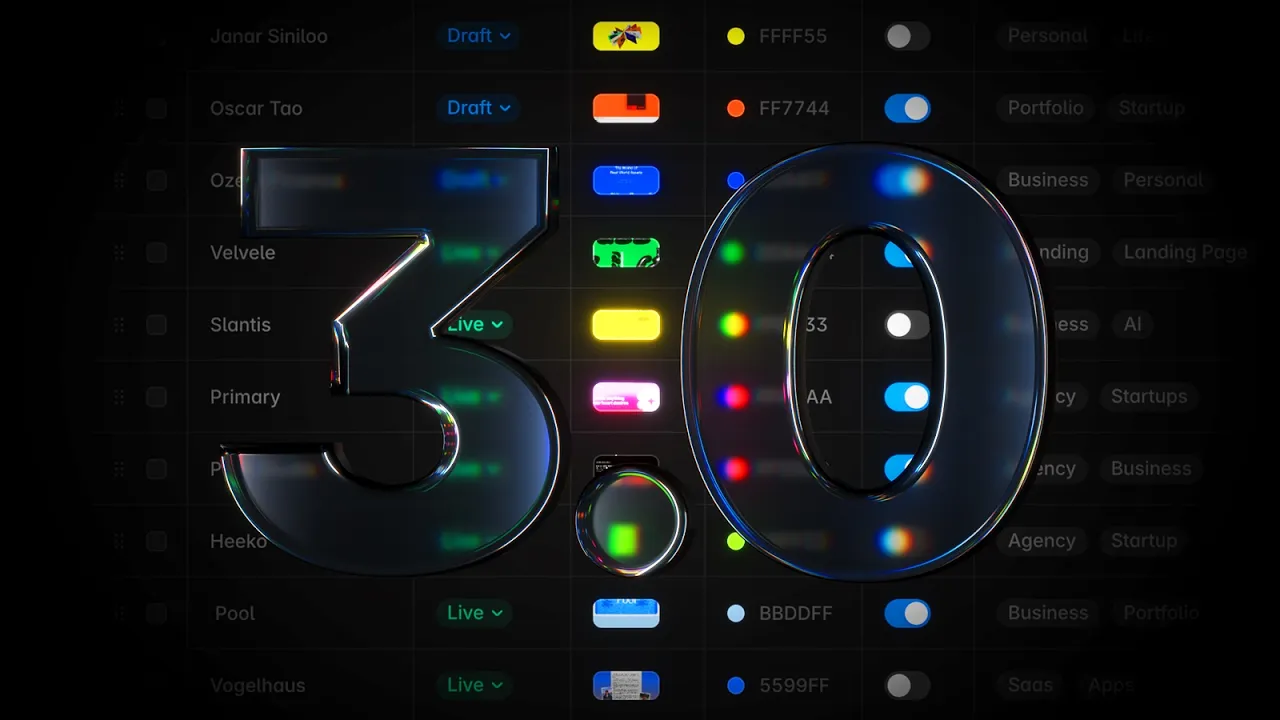
The Framer CMS has been completely redesigned to make managing large collections faster and more intuitive. The new table view introduces full inline editing across all cells, eliminating the need to open overlays for most changes, with support for multi-cell selection, bulk actions, and quick copy and paste. Statuses, toggles, references, images, icons, and colors can all be updated directly in place. Keyboard navigation has been re-engineered from the ground up. Columns can now be resized, reordered, and customized, giving full control over the layout. New filtering and search capabilities make it easier to find exactly what you need, and collections can now be organized into folders for better structure. Additionally, fields have been moved to a dedicated panel with a cleaner UI and more space to manage fields. See all additions and fixes below.
Added
Added inline editing across all CMS table cells
Added dedicated panel for managing fields
Added multi-cell selection and bulk actions
Added folder support to CMS collections
Added filtering to items in the table view
Added column resizing and reordering
Improved
Improved rows multi-selection and bulk actions
Improved search combining it with active filters
Improved keyboard navigation across the CMS
Improved field dividers with and without titles
Improved the item overlay layout and fields
Improved clarity of draft and live statuses
Improved editing link fields in the overlay
Improved field warnings across all fields
Improved the menu to add new fields
Fixed
Fixed slow bulk editing across multiple fields
Fixed inconsistencies in editing media fields
Fixed removing fields in use being too slow