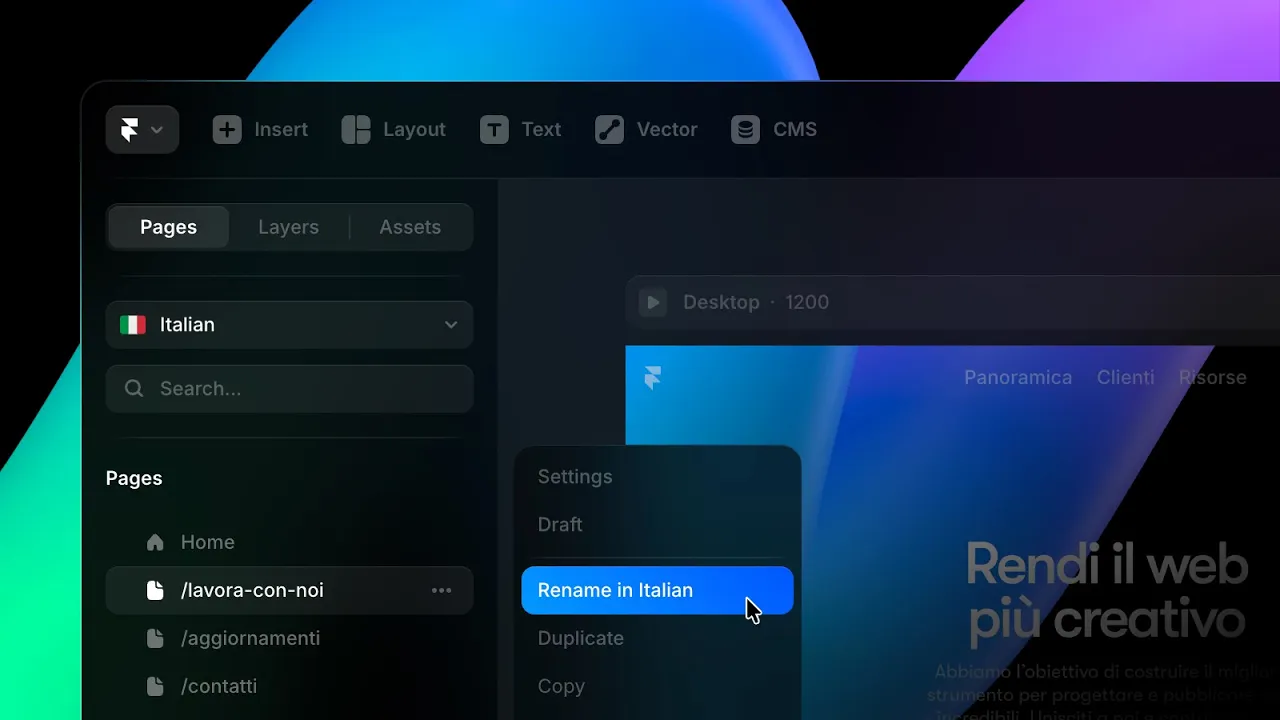
Localized Page Paths

Starting today, Framer lets you translate paths for any page on your site, not just CMS content. This creates a smoother experience for visitors browsing in their language, and helps search engines index translated content more accurately. In the Localization view, from Settings, you can now enable Translate Page Paths. If you were already translating CMS slugs, it will be on by default. There’s also an additional checkbox to include paths in AI translations. Once enabled, page paths appear under the page headers in the Localization view, together with all other translations. They can also be translated directly from the canvas, where you normally rename all your pages: when your project includes multiple languages, the page panel displays a new locale switcher at the top, so you can easily rename each page per locale. After publishing, switching locale updates the page path automatically, and built in conflict warnings help prevent overlaps. You can read more about localized page paths and see a step by step guide in this article page.