What’s new.

Custom Code

·

Custom Code
Custom Code
Custom Code

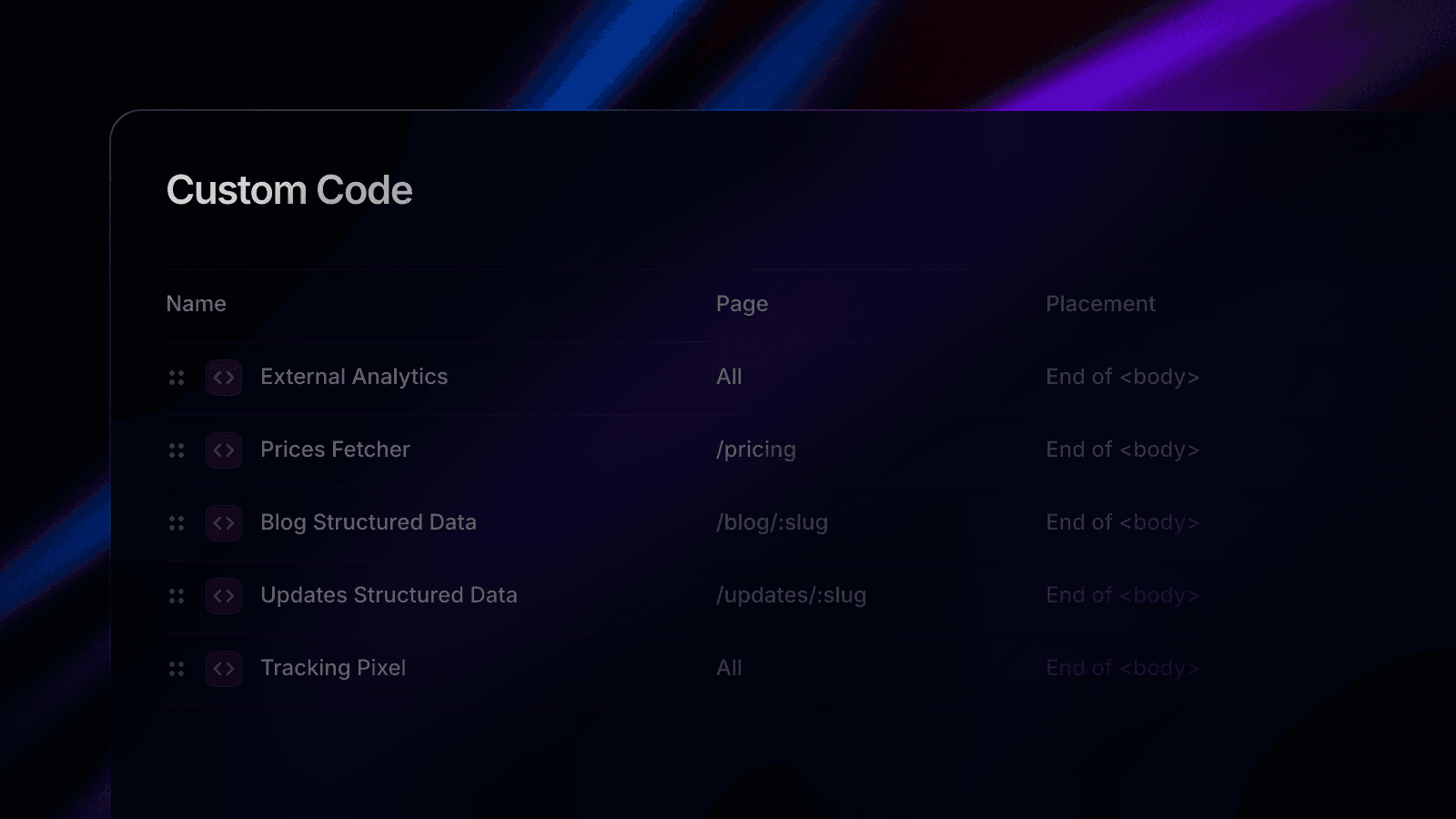
We’ve updated Custom Code in Framer with a new section in your Project Settings dedicated to custom code. With this update, you get a single overview of all the custom code added to your pages, and you can split it up into individual snippets. This makes it much easier to add, find, and update code on your site. We’ve also improved how custom code runs by adding the option to run code “On Every Page Visit”, which is great for tracking events. By default, code is set to execute “Once”, which is similar to how code ran previously and can be used for third-party scripts. You can find this new Custom Code section under Project Settings → Custom Code. Learn more.

We’ve updated Custom Code in Framer with a new section in your Project Settings dedicated to custom code. With this update, you get a single overview of all the custom code added to your pages, and you can split it up into individual snippets. This makes it much easier to add, find, and update code on your site. We’ve also improved how custom code runs by adding the option to run code “On Every Page Visit”, which is great for tracking events. By default, code is set to execute “Once”, which is similar to how code ran previously and can be used for third-party scripts. You can find this new Custom Code section under Project Settings → Custom Code. Learn more.

We’ve updated Custom Code in Framer with a new section in your Project Settings dedicated to custom code. With this update, you get a single overview of all the custom code added to your pages, and you can split it up into individual snippets. This makes it much easier to add, find, and update code on your site. We’ve also improved how custom code runs by adding the option to run code “On Every Page Visit”, which is great for tracking events. By default, code is set to execute “Once”, which is similar to how code ran previously and can be used for third-party scripts. You can find this new Custom Code section under Project Settings → Custom Code. Learn more.