This lesson was released before Agents, Branching, and the CMS update on June 16, 2026. Some UI may differ, but the core concepts still apply.
Drawing with Vectors in Framer
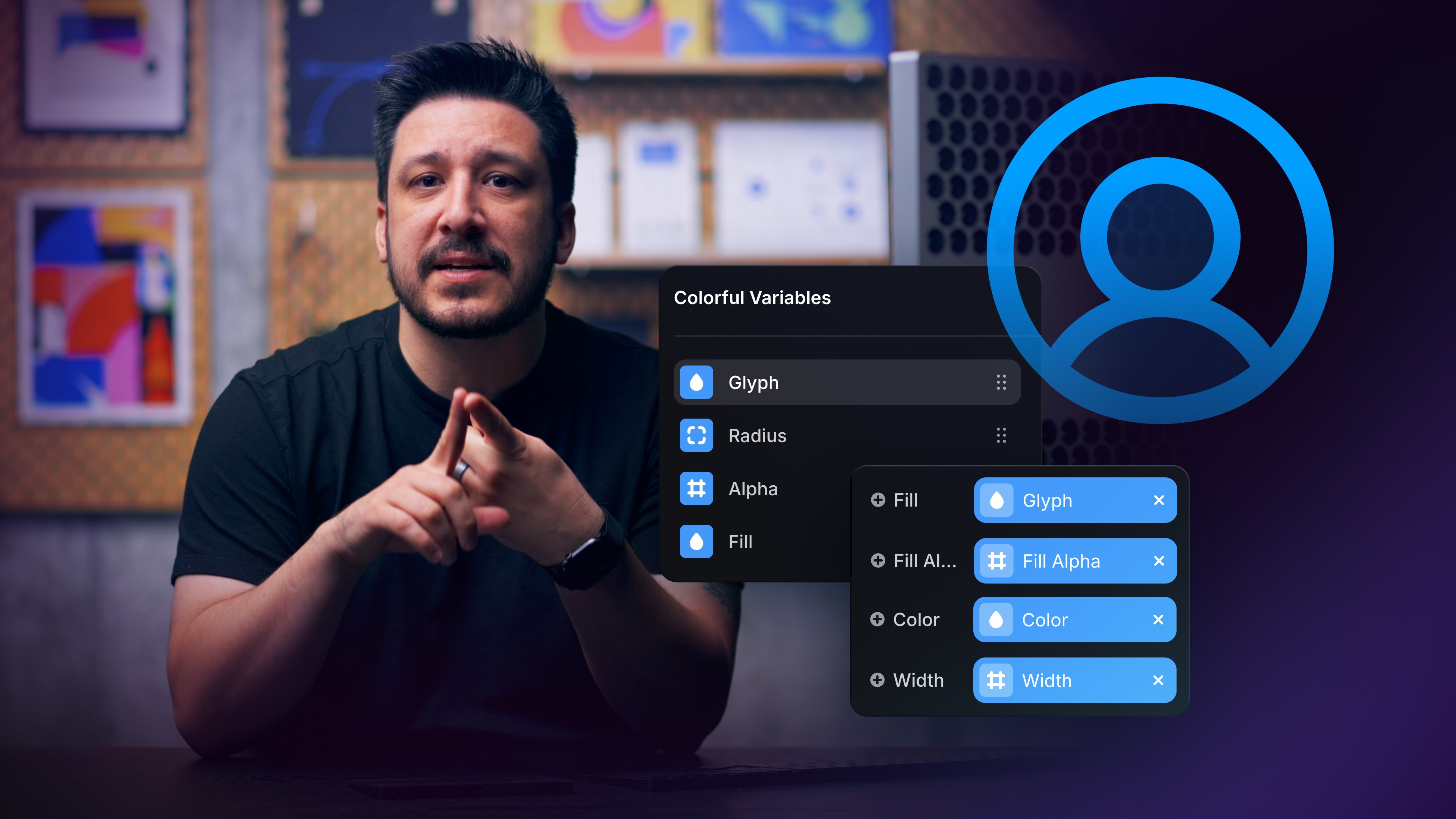
In this lesson, we dive into drawing with vectors in Framer.
In this Framer tutorial, you will learn drawing-with-vectors-in-framer. We explain a practical workflow, highlight the key settings that affect the result, and show how to apply the technique on real pages for cleaner UX and better site performance.

Lesson details