AI
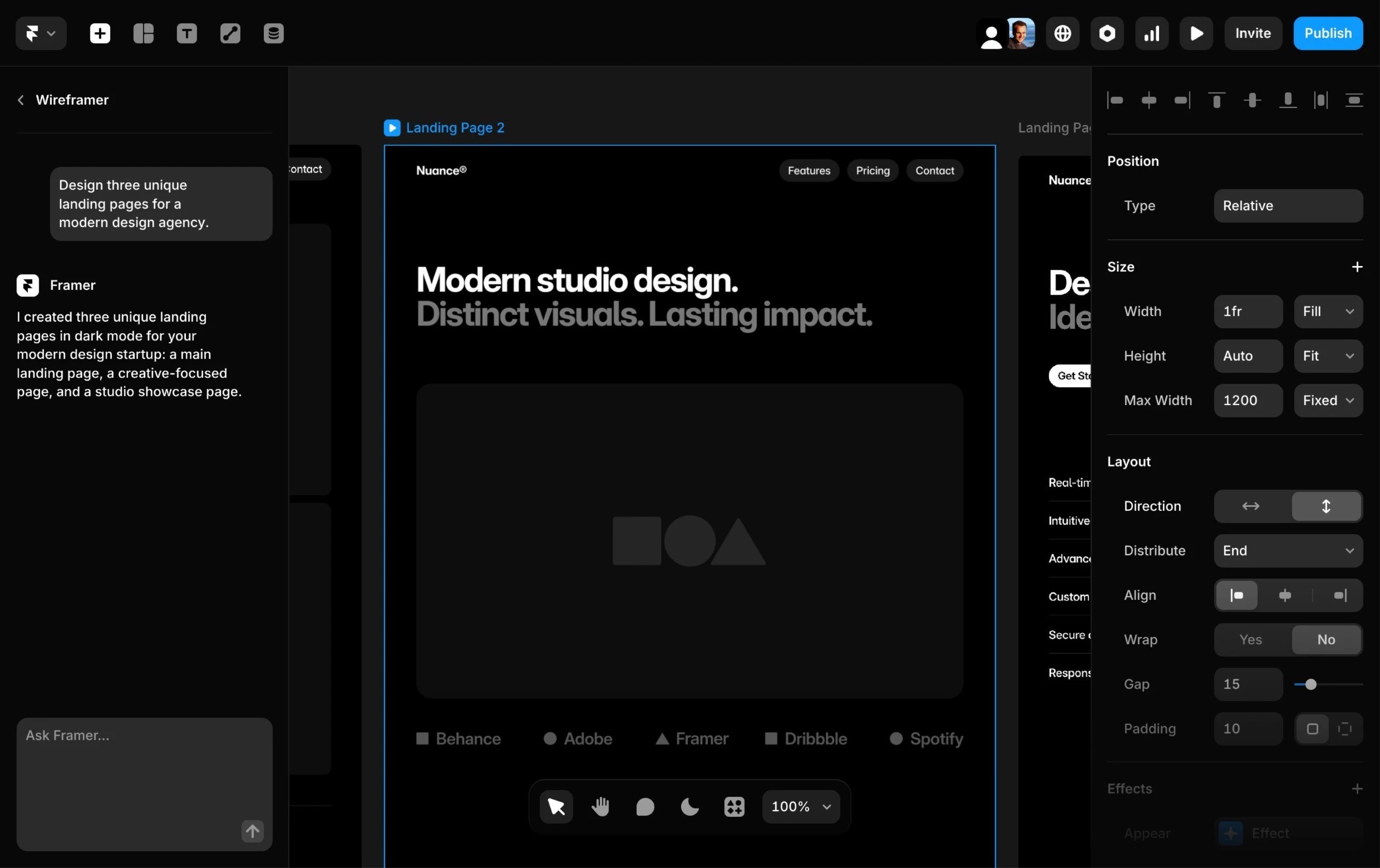
Generate page layouts and advanced components in seconds with AI, so you can skip the blank canvas and start designing with confidence.
Search
How I Built This listeners get 30% off an annual Pro plan. Framer is the no-code website builder for designing, shipping, and scaling company websites, without engineering. Teams at companies like Perplexity and Miro use it to move faster.

How I Built This


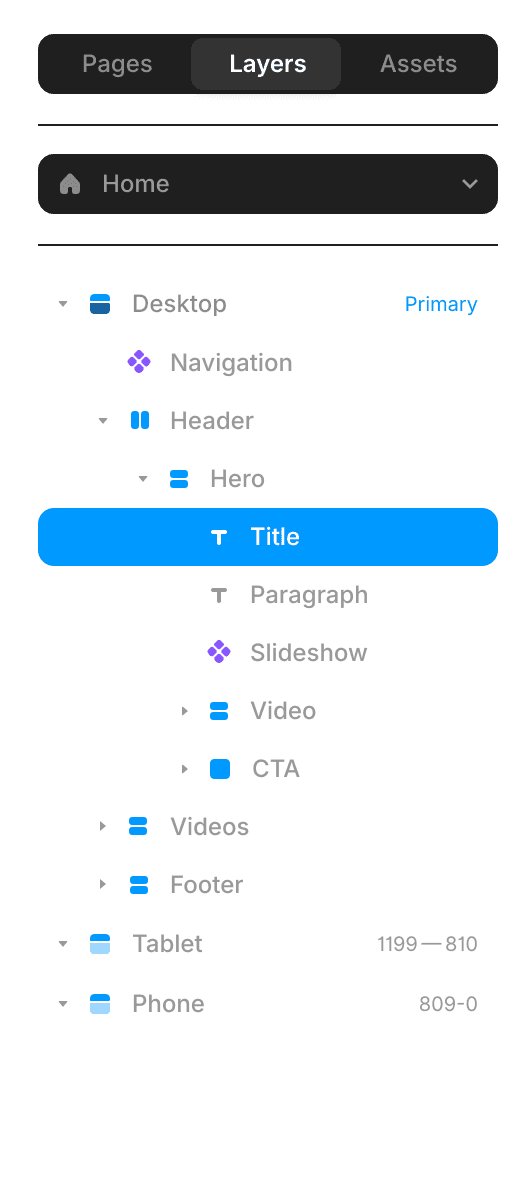
Desktop
·
1200
Breakpoint
Tablet
Breakpoint
How I Built This
Generate site layouts and advanced components in seconds with AI, so you can skip the blank canvas and start designing with confidence.
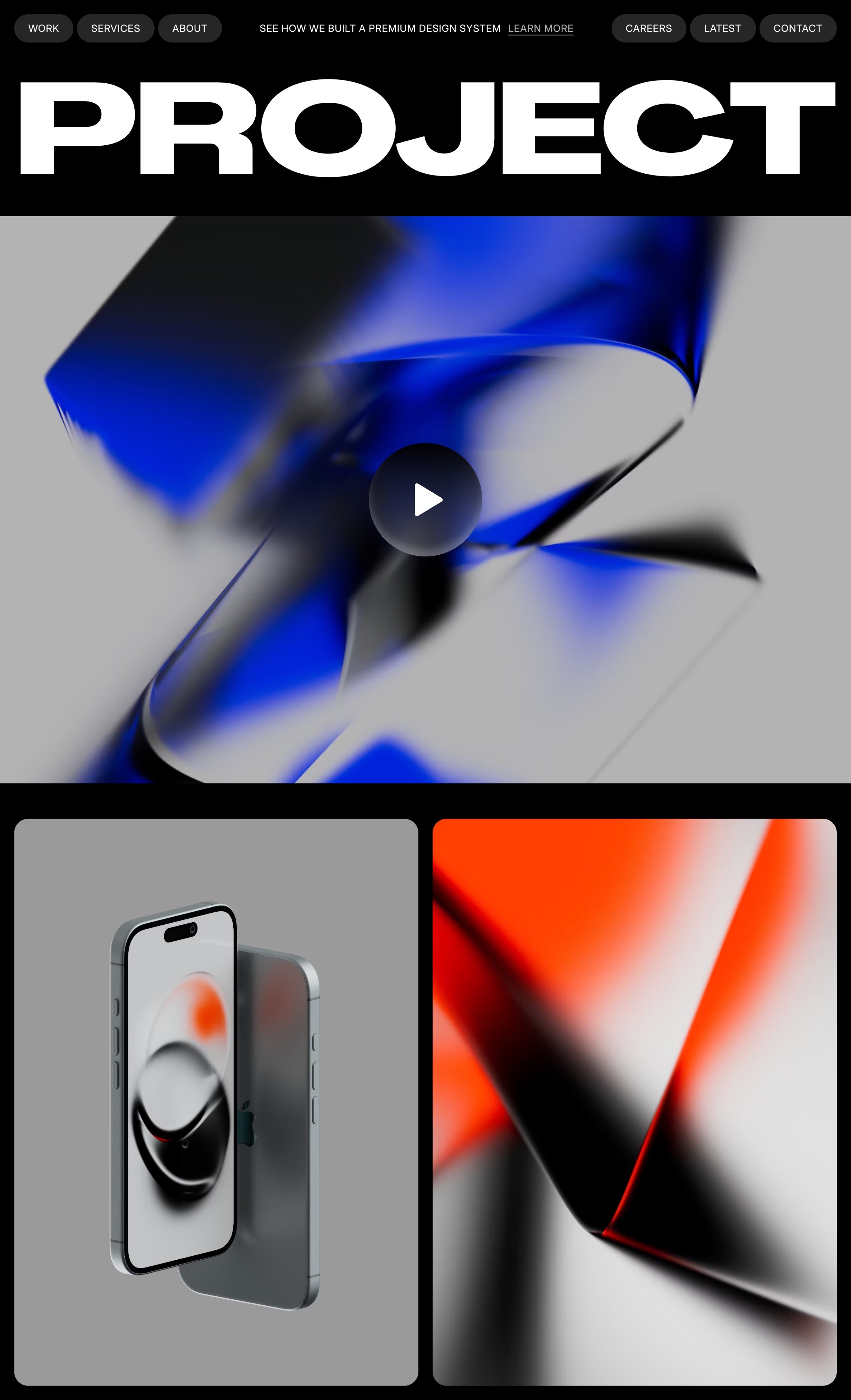
Craft responsive layouts and bring them to life with smooth effects, interactions, and animations. Build exactly what you imagine, visually.
Manage and update your content effortlessly with a built-in CMS. Keep your site fresh without touching code.
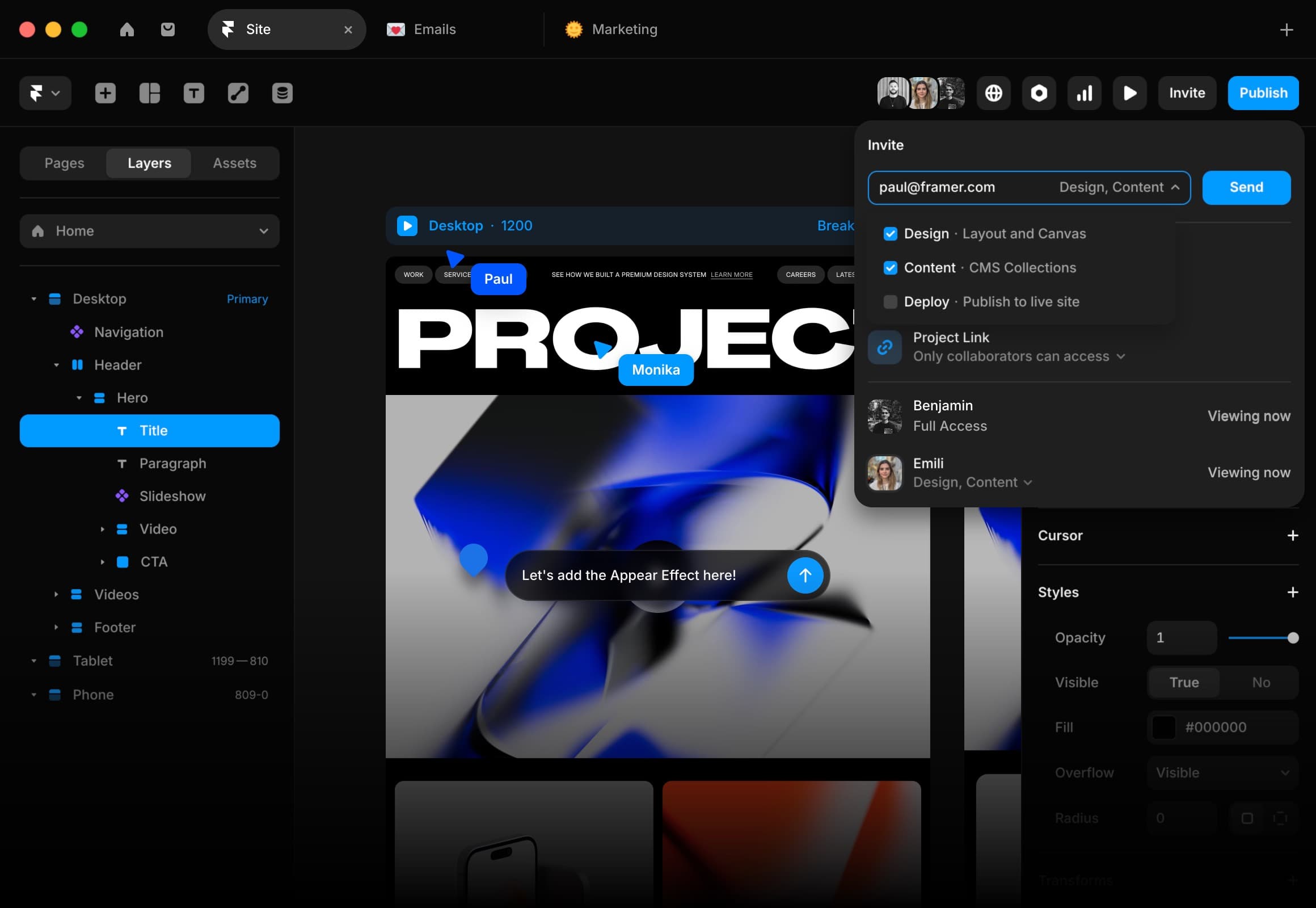
Whether you’re collaborating on the canvas or editing copy directly on the page, updates are seamless and handoff-free.




Wireframer


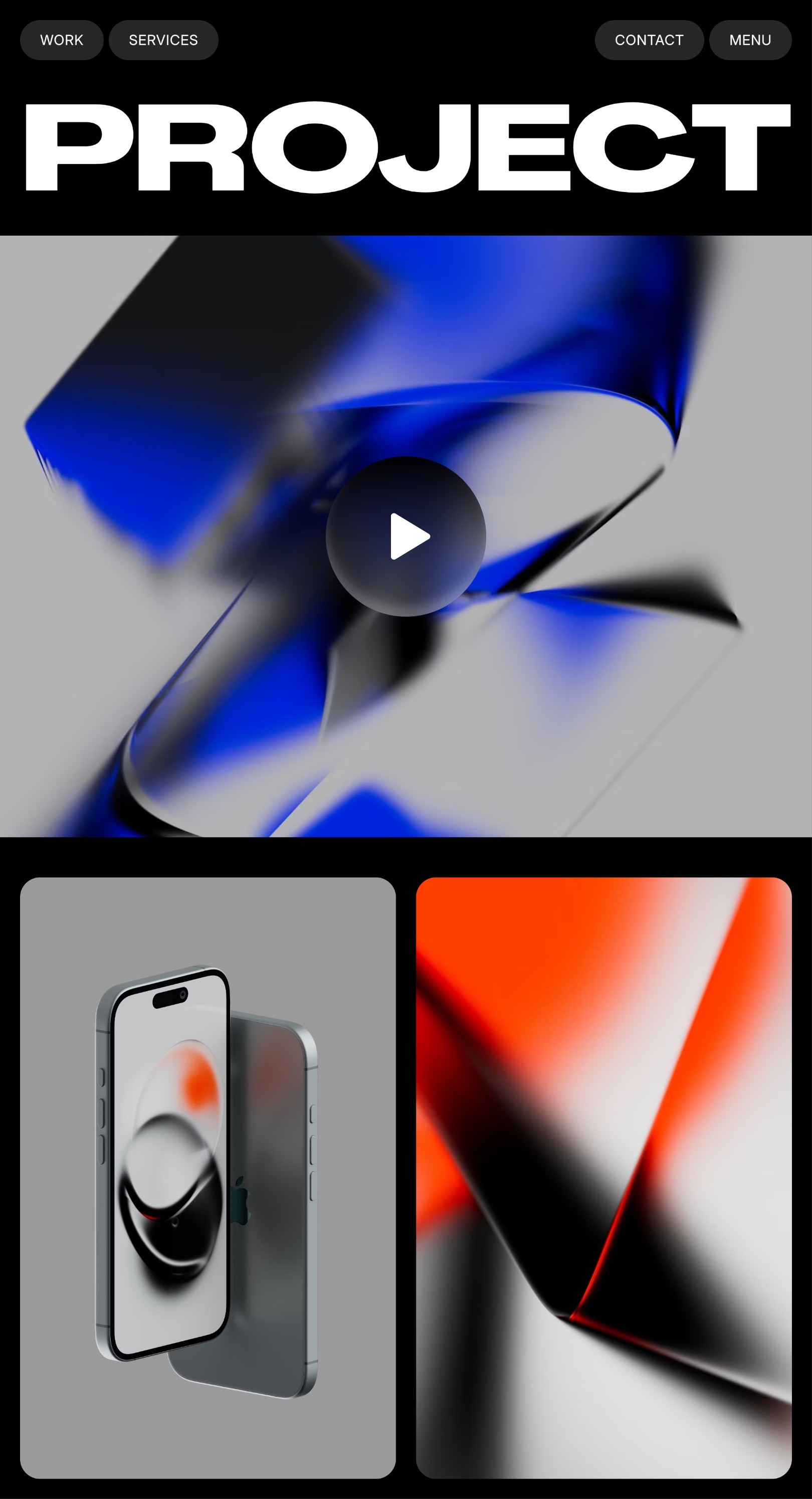
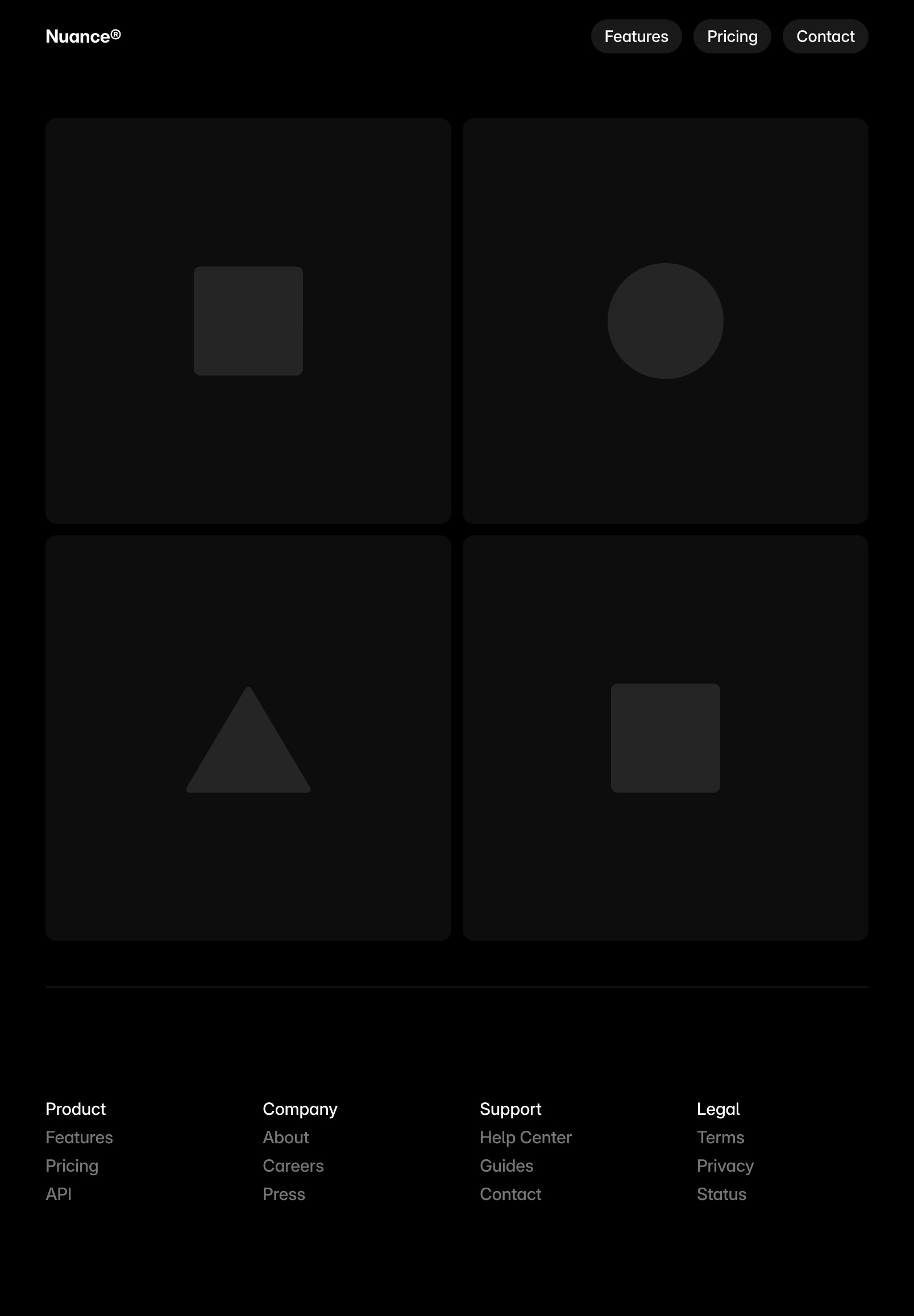
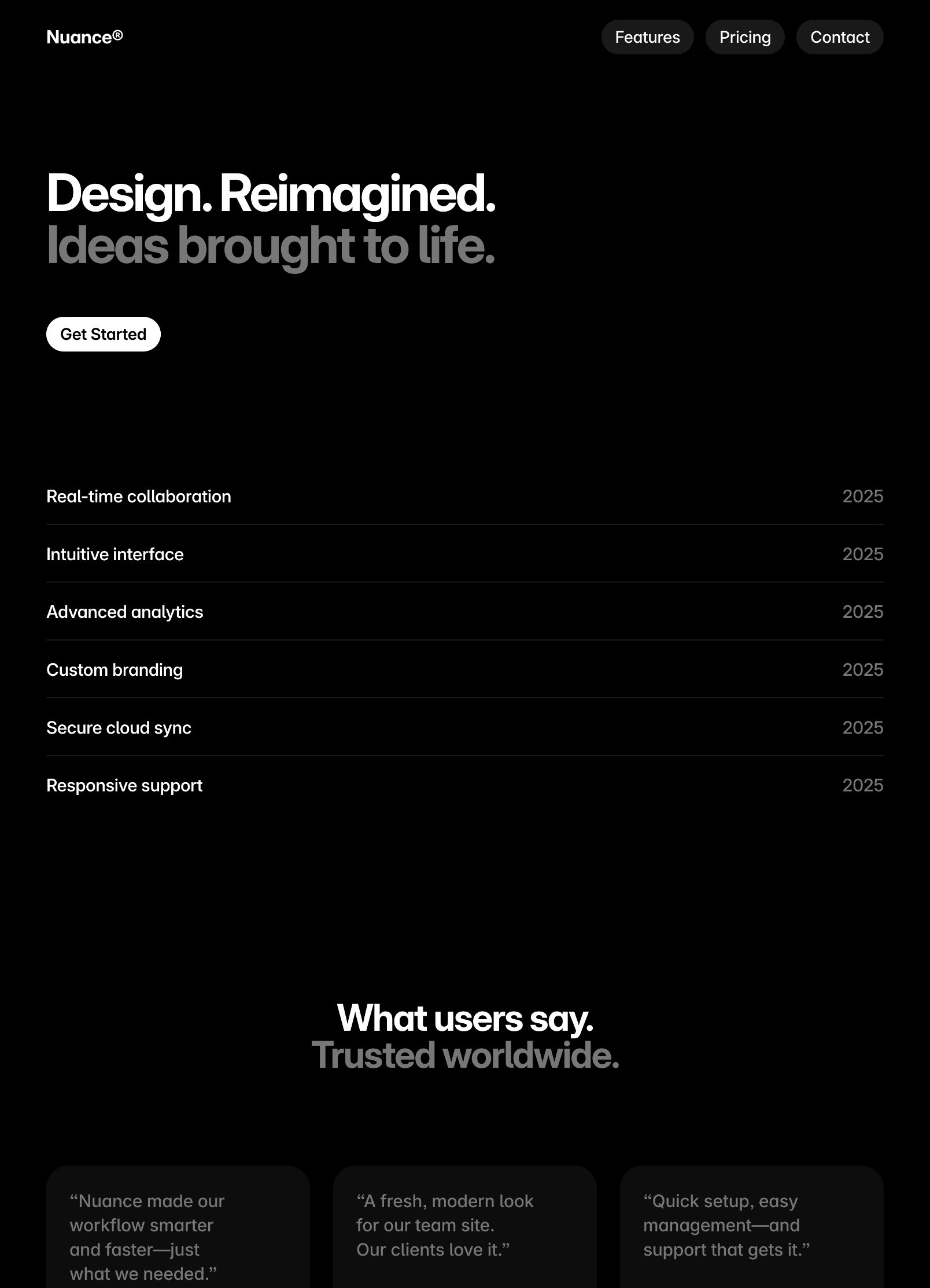
I created three unique landing pages in dark mode for your modern design startup: a main landing page, a creative-focused page, and a studio showcase page.

Landing Page 1

Landing Page 2

Landing Page 3
100%


Benjamin
Paul
100%


Title
Image
Date
Category
Slug
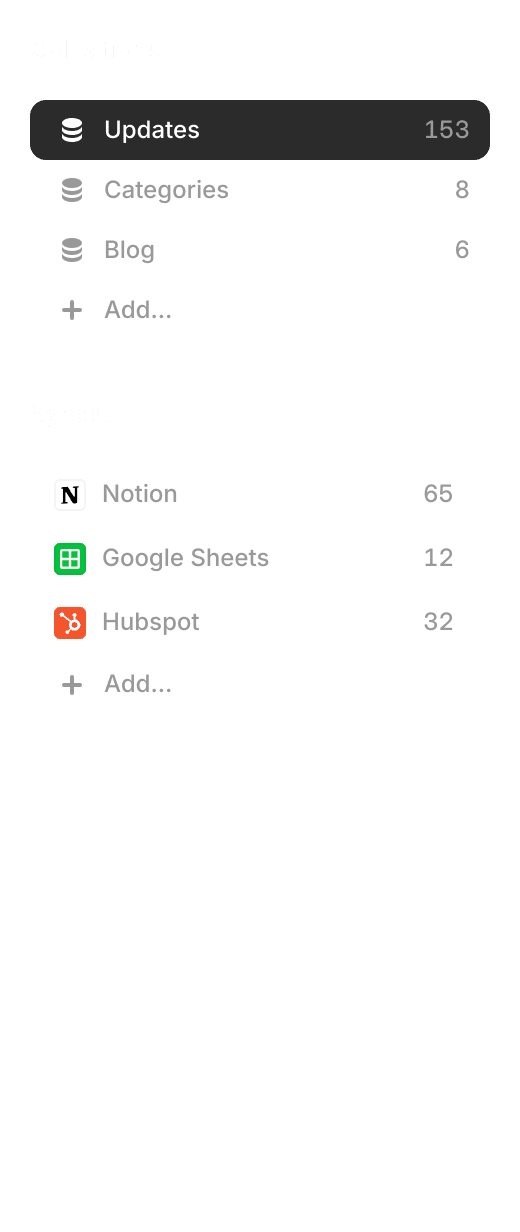
Search 153 items…
CMS Update: Multiplayer Cursors

Content
cms-update-multiplayer-cursors
Asset Panel Refresh

Content
asset-panel
Framer MCP

Content
framer-mcp
Firewall
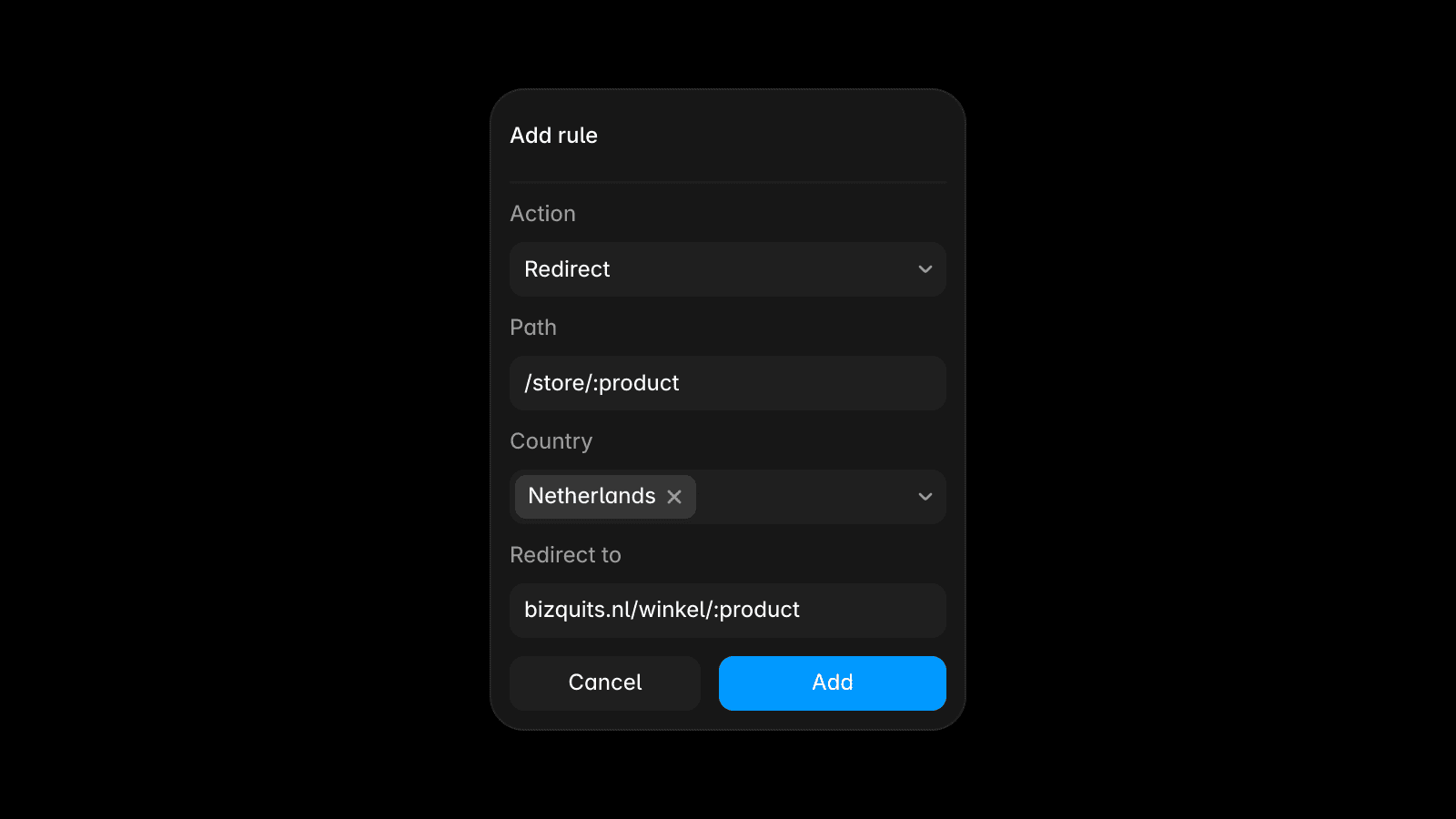
Content
firewall
Skills
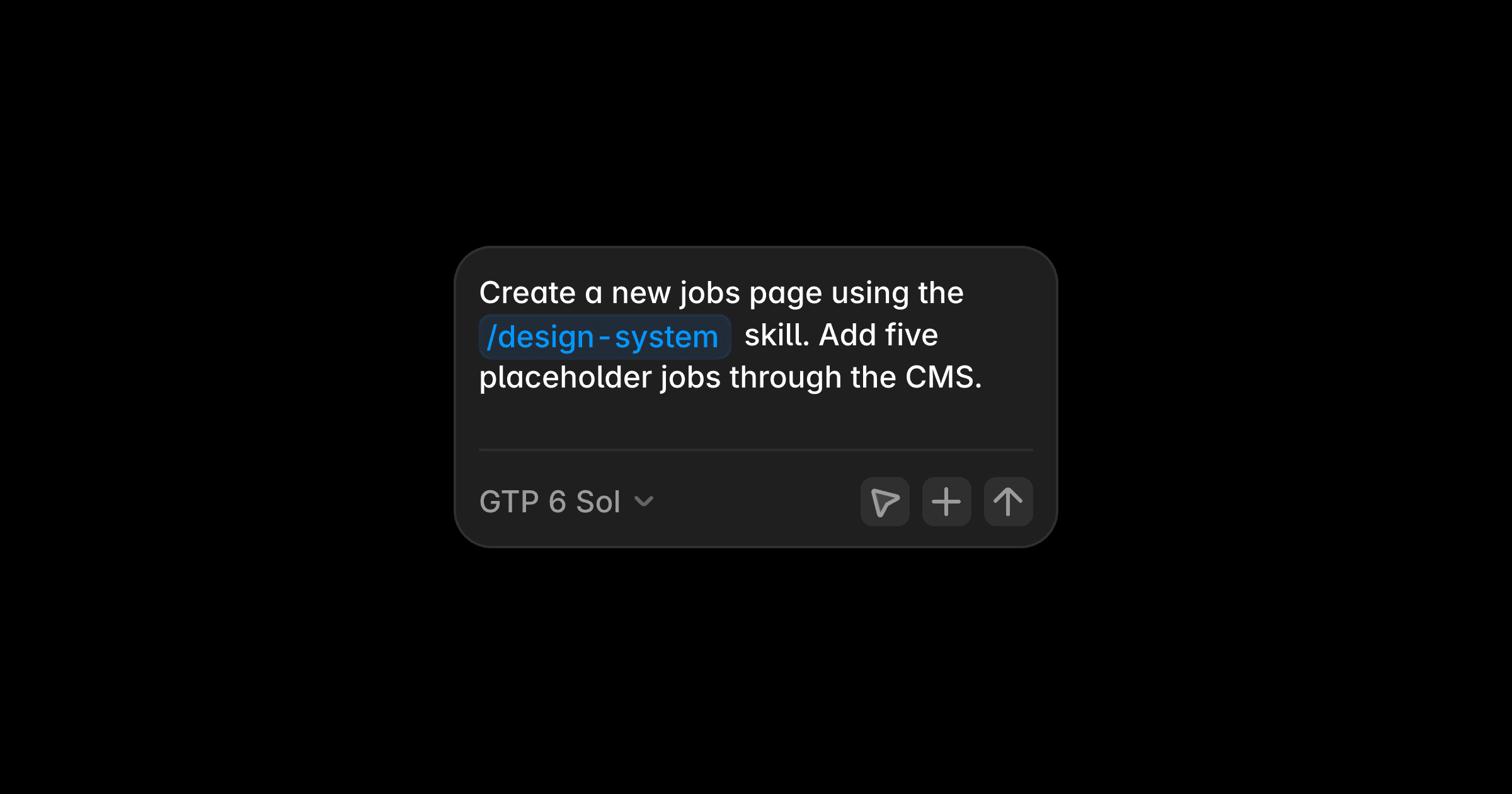
Content
skills
Pinned Projects
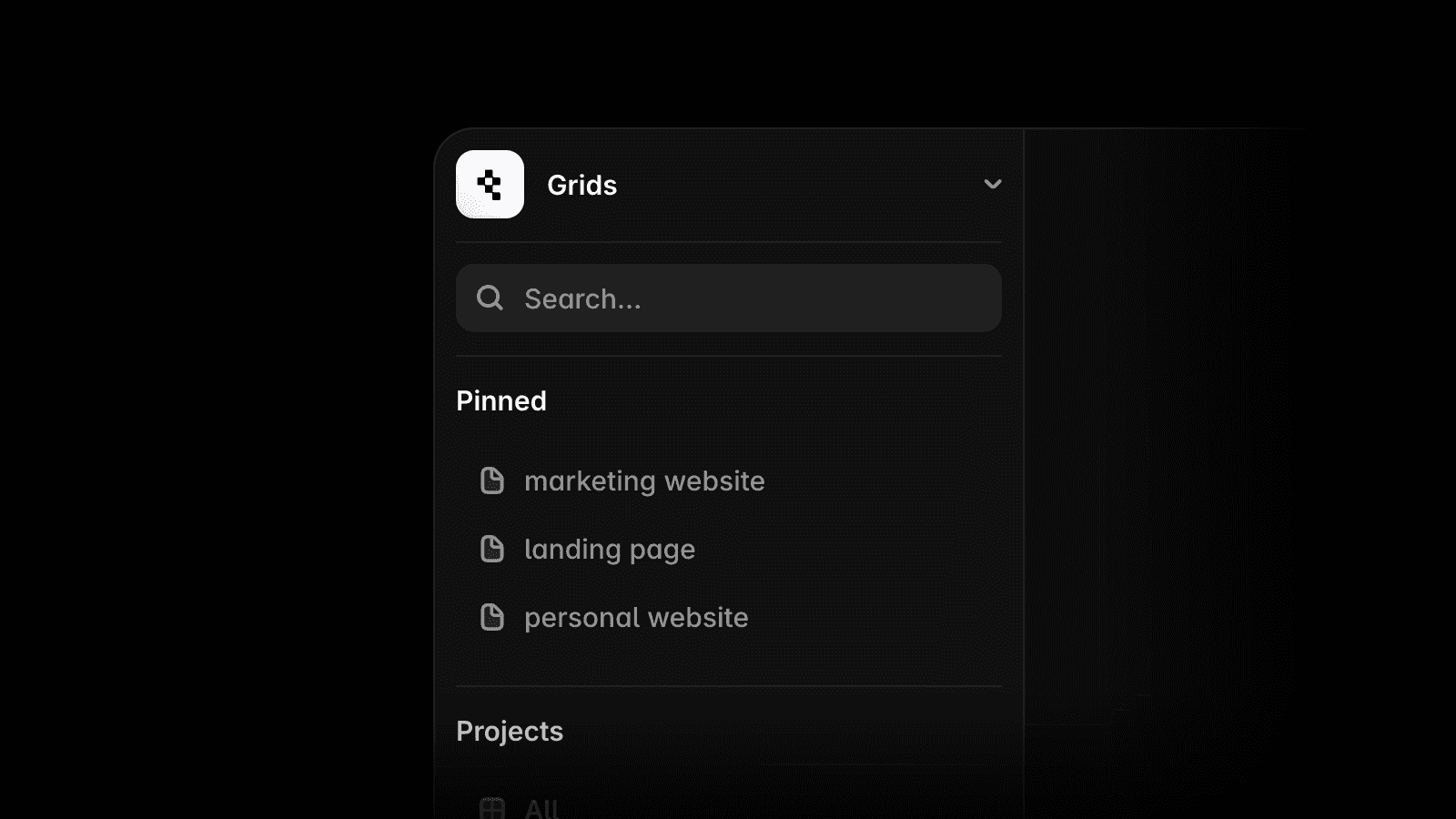
Content
pinned-projects
CMS List Field

Content
cms-list-field
Agents: 3D Transforms

Content
agent-3d-transforms
Agents: Reasoning and Fast Mode

Content
agent-reasoning-and-fast-mode
Video Shaders
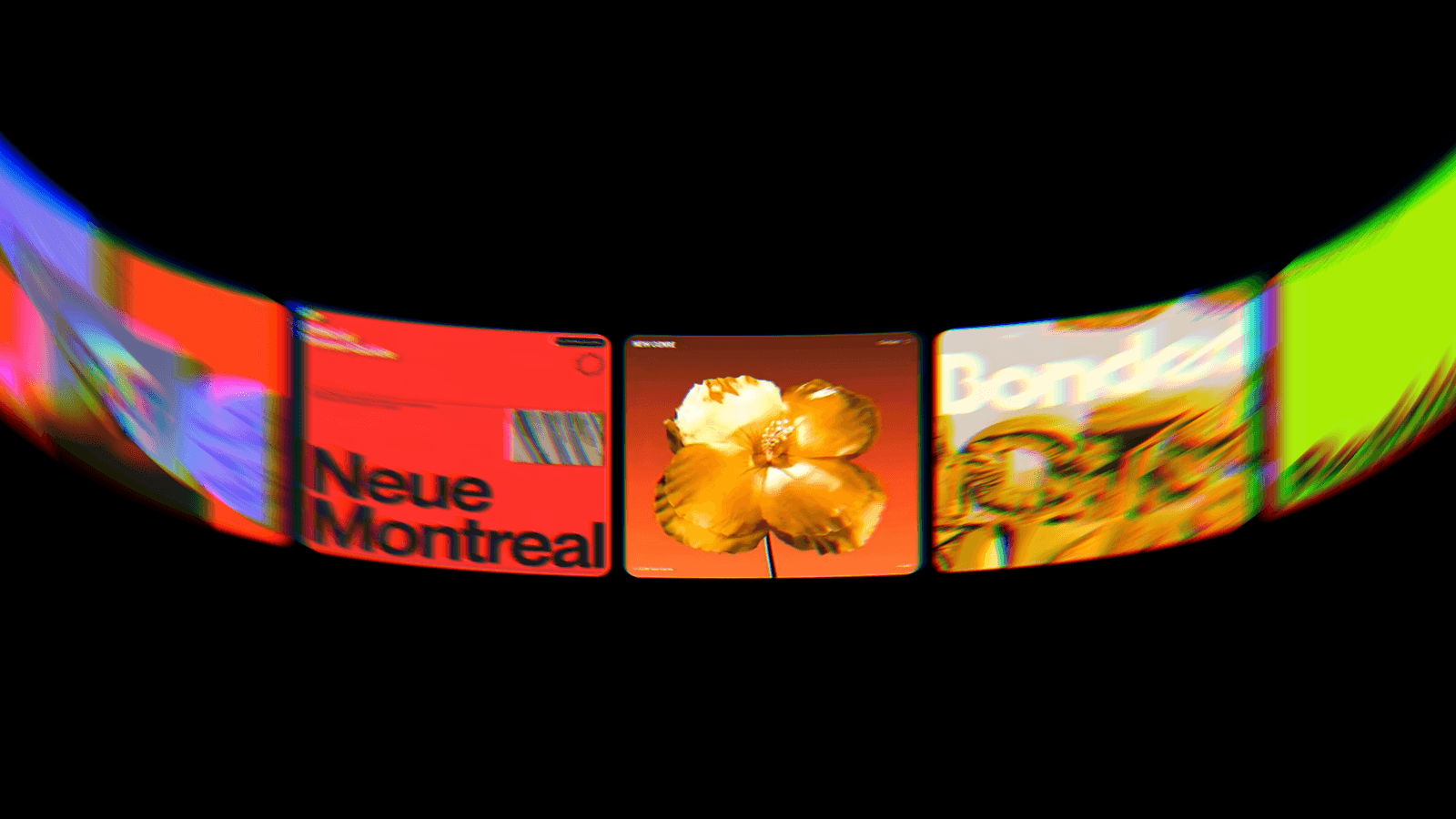
Content
video-shaders

Title
CMS Update: Multiplayer Cursors
Image
cms-update-multiplayer-cursors.jpg
Categories
Content
Slug
cms-update-multiplayer-cursors
framer.com/updates/cms-update-multiplayer-cursors
Content
We’ve added collaborative editing with multiplayer cursors to formatted text fields in the CMS and on the Canvas, so you can see who’s editing and where. We’ve also refreshed Canvas cursors to make them more compact and with higher contrast. Formatted text now also supports website embeds and Vimeo videos through an updated insert menu. Additionally, in the CMS view, you can filter collections by references and multi-references. See the full list of improvements below.
Added collaborative editing with multiplayer cursors to formatted text
Added filters for reference and multi-references in the CMS view
Added menu actions to edit, open and discard temporary items
Added Vimeo component to the CMS formatted text field
Added website embeds to the CMS formatted text field
Fixed references, slugs, and folders in duplicated collections
Fixed missing CMS content in detail page image exports
Fixed duplicated formatted text after merging branches
Fixed detail pages breaking when pasting a breakpoint
Fixed a bug with video poster images in formatted text
Fixed inline code shortcuts on international keyboards
Fixed popovers staying open after removing embeds
Fixed Backspace behavior with component embeds
Fixed embed previews briefly flashing in dark mode
Fixed the wrong collection opening after reordering
Fixed mismatching item counts in pages and CMS
Fixed untranslated option names on the Canvas
Fixed Insert menu focus and keyboard selection
Fixed the Save button flagging autosaved text
Fixed / menu being misplaced after scrolling
Improved on-page editing UI controls, popovers and modals
Improved editing formatted text content within components
Improved multi-reference pickers and keyboard navigation
Improved CMS table cell selection, badges, and toolbars
Improved performance of item editors and large tables
Improved truncation of divider titles in item overlays
Improved Agent feedback for Lists and new items
Improved text spacing and selection outlines
Improved handling of unfinished CMS items
Improved code block previews and spacing
Improved image loading in formatted text
Improved formatted text Insert menu
baseform.framer.website
Baseform®
Art Direction
Visual Design
Work,
Archive,
Profile,
Journal
Let’s Talk
View All Posts
→




Click to edit
·
Changes are auto-saved
Site saved
·
Collaborators are notified. Changes will be visible once the project is published.
Open in Framer
Finish Editing
Generate page layouts and advanced components in seconds with AI, so you can skip the blank canvas and start designing with confidence.
Generate page layouts and advanced components in seconds with AI, so you can skip the blank canvas and start designing with confidence.
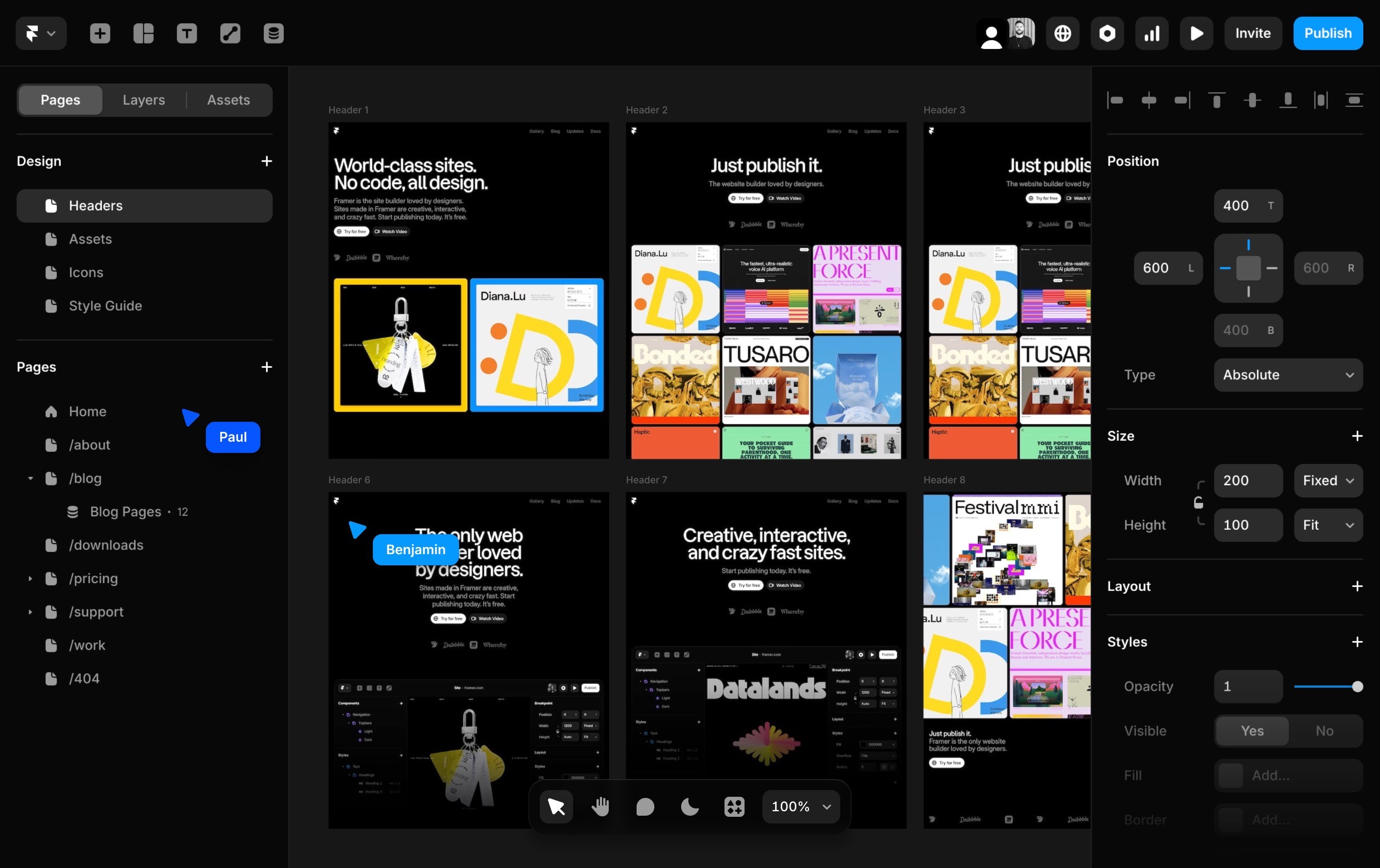
Craft responsive layouts and bring them to life with smooth effects, interactions, and animations. Build exactly what you imagine, visually.
Craft responsive layouts and bring them to life with smooth effects, interactions, and animations. Build exactly what you imagine, visually.
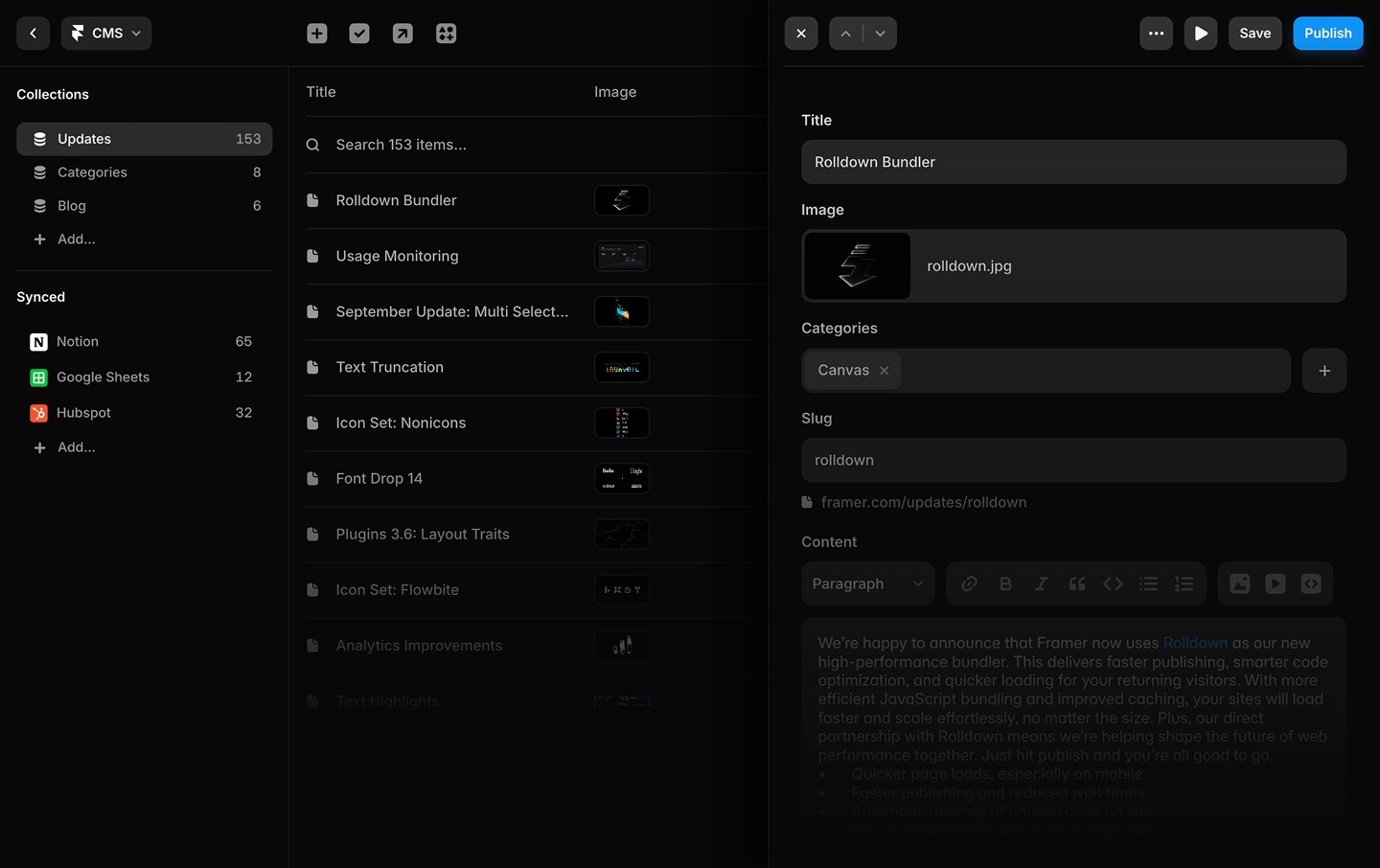
Manage and update your content effortlessly with a built-in CMS. Keep your site fresh without touching code.
Manage and update your content effortlessly with a built-in CMS. Keep your site fresh without touching code.

Whether you’re collaborating on the canvas or editing copy directly on the page, updates are seamless and handoff-free.
Whether you’re collaborating on the canvas or editing copy directly on the page, updates are seamless and handoff-free.
Let’s help your team build better.
Discover how Framer empowers your team.
Try Framer to simplify your workflow.
Get advice tailored to your team’s goals.