CMS List Field
Published
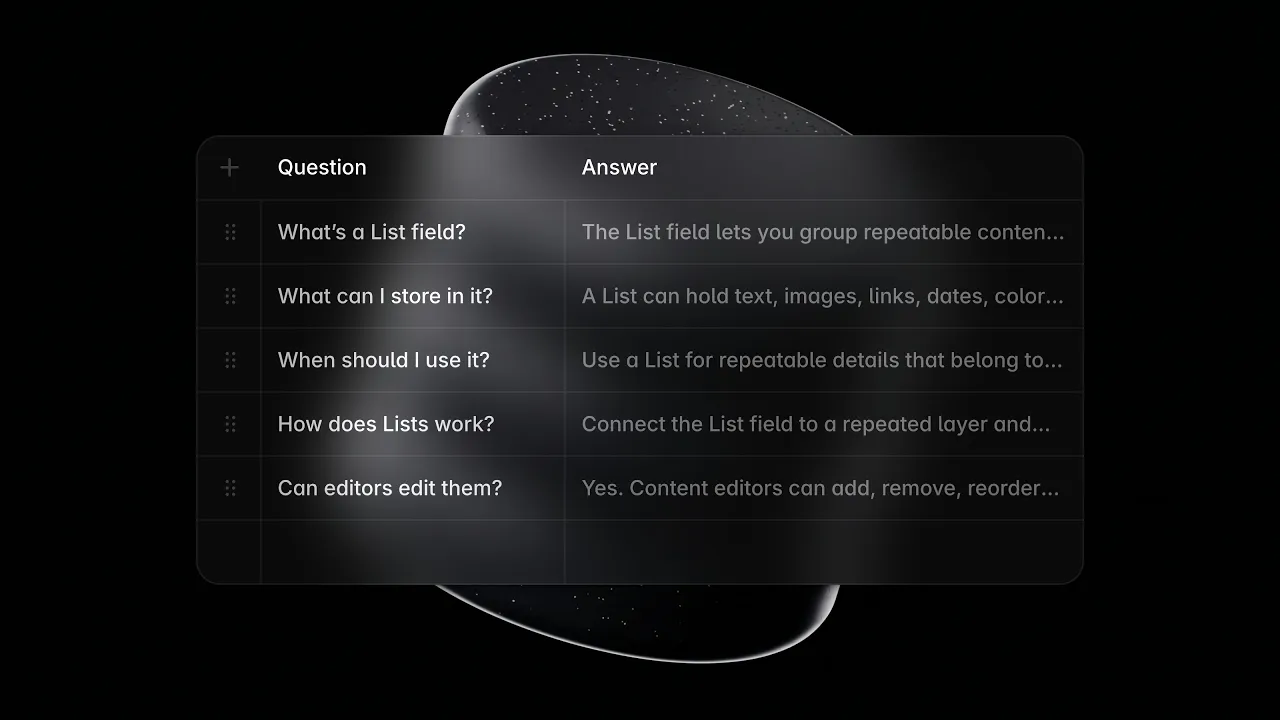
You can now better manage repeating content like FAQs, product features, tutorial steps, and cases studies with the new List field in the Framer’s CMS. Rather than duplicating fields like Title 1, Description 1, Title 2, Description 2, you can group items in a single list and add or reorder rows as you would in a CMS table. Your content editors can spend less time juggling fields and more time keeping your site fresh. To migrate existing content, ask the Framer Agent to convert repeated CMS fields into a List. The Agent will also take care of reconnecting the CMS data on the Canvas. If you have a list that is not shown on the Canvas yet, you can easily add it from the Insert panel. Alternatively, select a card you’ve designed and use the newly added Repeat property to repeat it for each list item. Watch the video to learn more. We’ve also added features, fixed bugs, and made improvements across the CMS. See a complete list below.
Added
Added the List field in the CMS, including API and Agent support
Added a new video component to insert in CMS rich text fields
Added support for reordering the
Statusfield in the panelAdded support for editing content inline for content editors
Added support for duplicating multiple CMS items at once
Added support for finding CMS fields in the Insert panel
Fixed
Fixed a cropping issue when embedding vertical videos in rich text
Fixed managed collections creating duplicate items in branches
Fixed monochrome and duotone icons rendering in CMS tables
Fixed loading errors when refreshing paginated CMS pages
Fixed Agent date changes drifting to yesterday or tomorrow
Fixed duplicate titles producing conflicting automatic slugs
Fixed undo history after inserting links and pasting images
Fixed CMS detail page previews failing after reloading
Fixed case-sensitive slug filtering on published sites
Improved
Improved block selection for images and embeds in rich text
Improved scrolling performance in large CMS collections
Improved selection and context sharing with the Agent
Improved opening items from the Canvas breadcrumb
Improved handling of invalid fields when adding items
Improved the toolbar UI of CMS formatted text fields
Improved the UI of field warnings in the table view
Improved the link popout UI in the table view
Improved the filter menu UI in the CMS view