

Joseph
15:13
Generate layouts and styles from a prompt in Framer
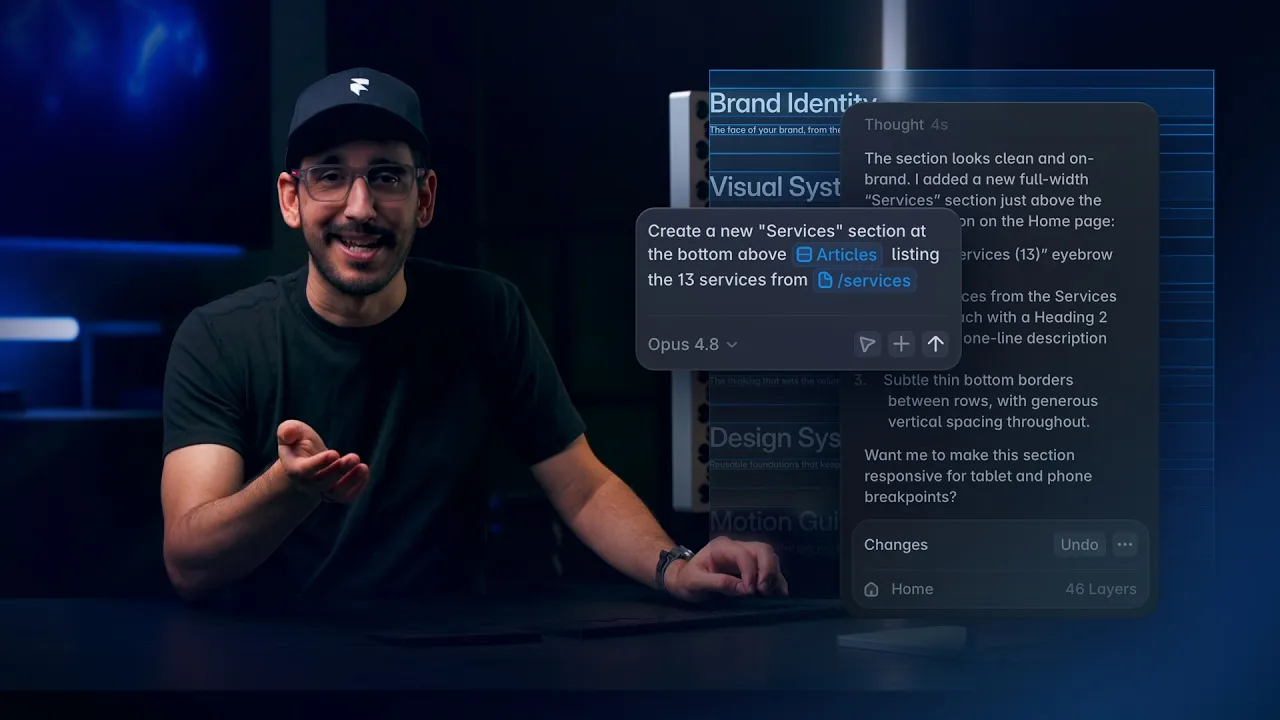
How to use Framer Agents for layout and styling: point the agent at frames, pages, or components, then ask it to generate sections, pages, animations, breakpoints, and style updates that match your existing site. You can review, edit, undo, or refine the work on the canvas.
Lesson details
Framer Agents work inside the Framer interface, so layout and style work happens directly on the canvas. You can reference a wrapper, page, component, or screenshot, then ask the agent to create a section, page, form, animation, or responsive breakpoint using the project’s existing design system.
This workflow supports broad Framer AI production tasks that would take time by hand. Agents can add missing links, create contact pages, replace image choices, apply staggered effects, fix clipping, and adjust animations across multiple pages.
For larger website updates, use Branching before asking an agent to update breakpoints, component variants, text styles, or color themes across the site. The branch gives you a review space before changes are merged into the main project.
Frequently asked questions
What can the Agent help me design?
The Agent can create sections, pages, forms, animations, and responsive layouts directly on the Framer canvas. Give it an existing page, Frame, Component, or screenshot as context so the result follows your current visual system. You can inspect and edit every generated layer before deciding whether the work belongs on your site in Framer.
How should I give the Agent context?
Select the relevant page, Frame, or Component before writing the prompt, and describe the outcome you want. Mention the existing styles or nearby sections the Agent should follow. A focused selection helps the Agent work within the correct part of the project and makes the resulting changes easier to review on the canvas.
Can the Agent help with responsive layouts?
Yes. The Agent can add or adjust breakpoints, fix clipping, and update layouts across screen sizes. Ask it to inspect the current responsive behavior first, then review each affected breakpoint after the change. Check text wrapping, navigation, images, and Component Variants before keeping the result.
What should I not expect the Agent to decide for me?
The Agent should not make the final design or publishing decision for you. Give it a clear direction, review how the work fits the rest of the project, and refine anything that misses your intent. You remain responsible for the hierarchy, visual judgment, accessibility, responsive behavior, and final approval.
What is the best way to review Agent changes?
Use a branch for changes that affect several pages, Components, breakpoints, Text Styles, or Color Styles. Compare the updated work with the original, preview every affected page, and test interactions at different viewport sizes. Keep publishing separate from editing so you can revise or reject changes before visitors see them.
Continue watching
Load more