A Vector Set URL lets others copy your vector assets directly into their own Framer canvas. You can use this URL to share your vector set privately with anyone, or as part of publishing it to the Marketplace.
Copy a vector set URL
Open your project in Framer.
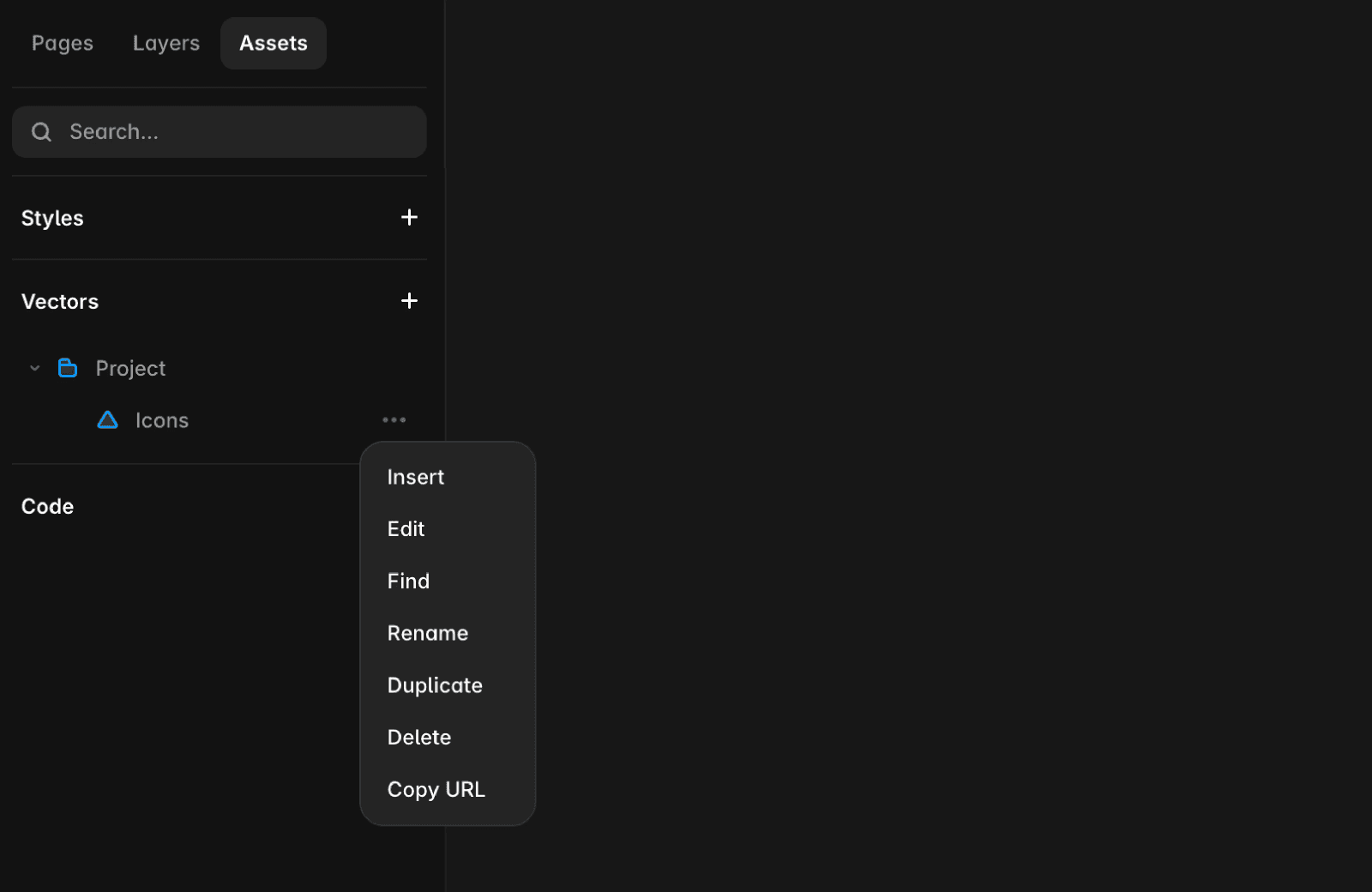
Go to the Assets panel.
Right-click your vector set.
Select Copy URL.
Use a vector set URL
Anyone with the URL can add the vector set to their project:
Paste the URL into Framer.
The vector assets are automatically added to their canvas.
This works both for:
Sharing your vector set directly with collaborators or across projects
Distributing or promoting a vector set you’ve published on the Marketplace
