

















Framer × Start Here

Start Here listeners get 30% off an annual Pro plan. Framer is the no-code website builder for designing, shipping, and scaling company websites, without engineering. Teams at companies like Perplexity and Miro use it to move faster.

Start Here

Desktop

·

1200

Breakpoint

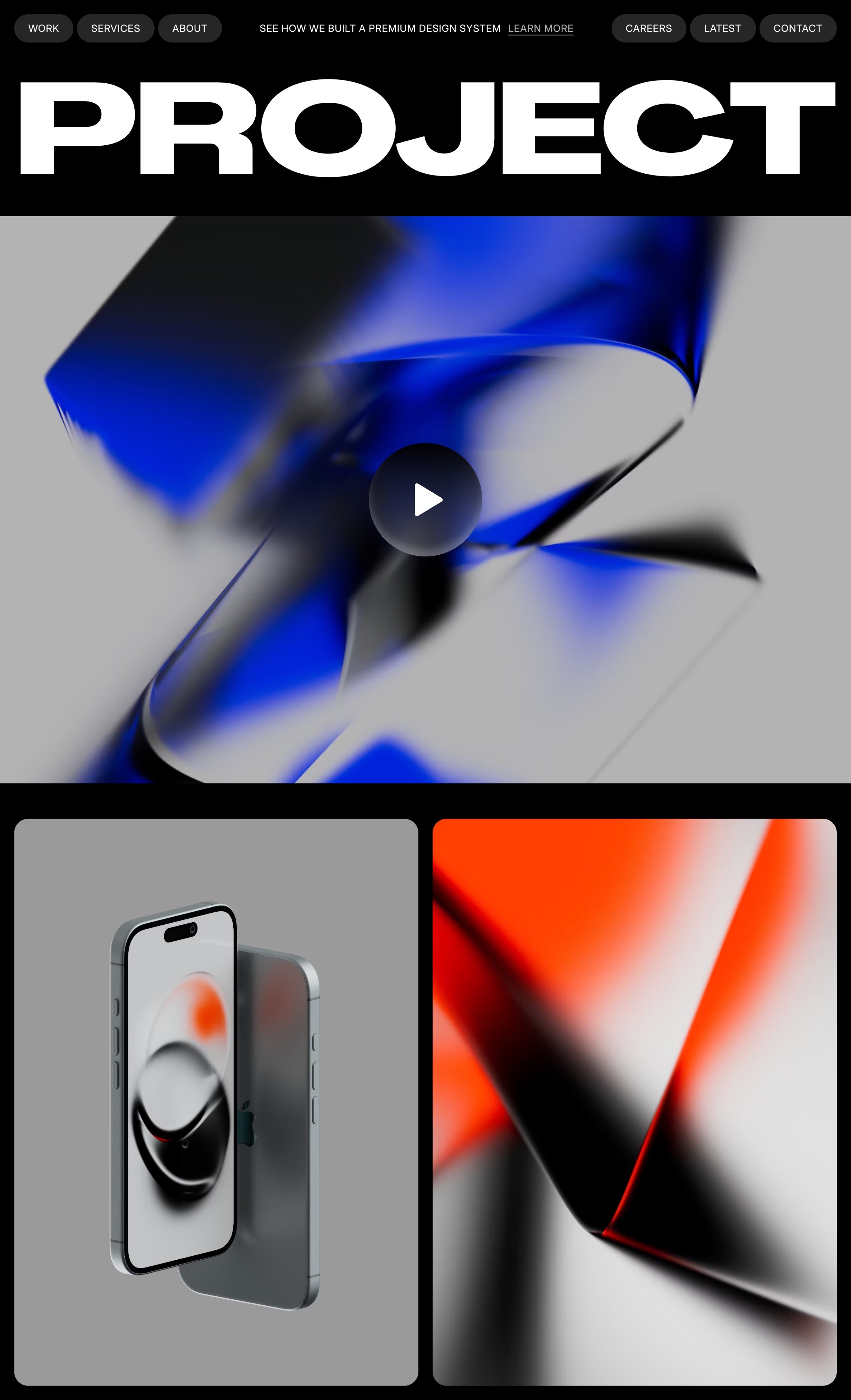
Website made in Framer

Tablet

Breakpoint

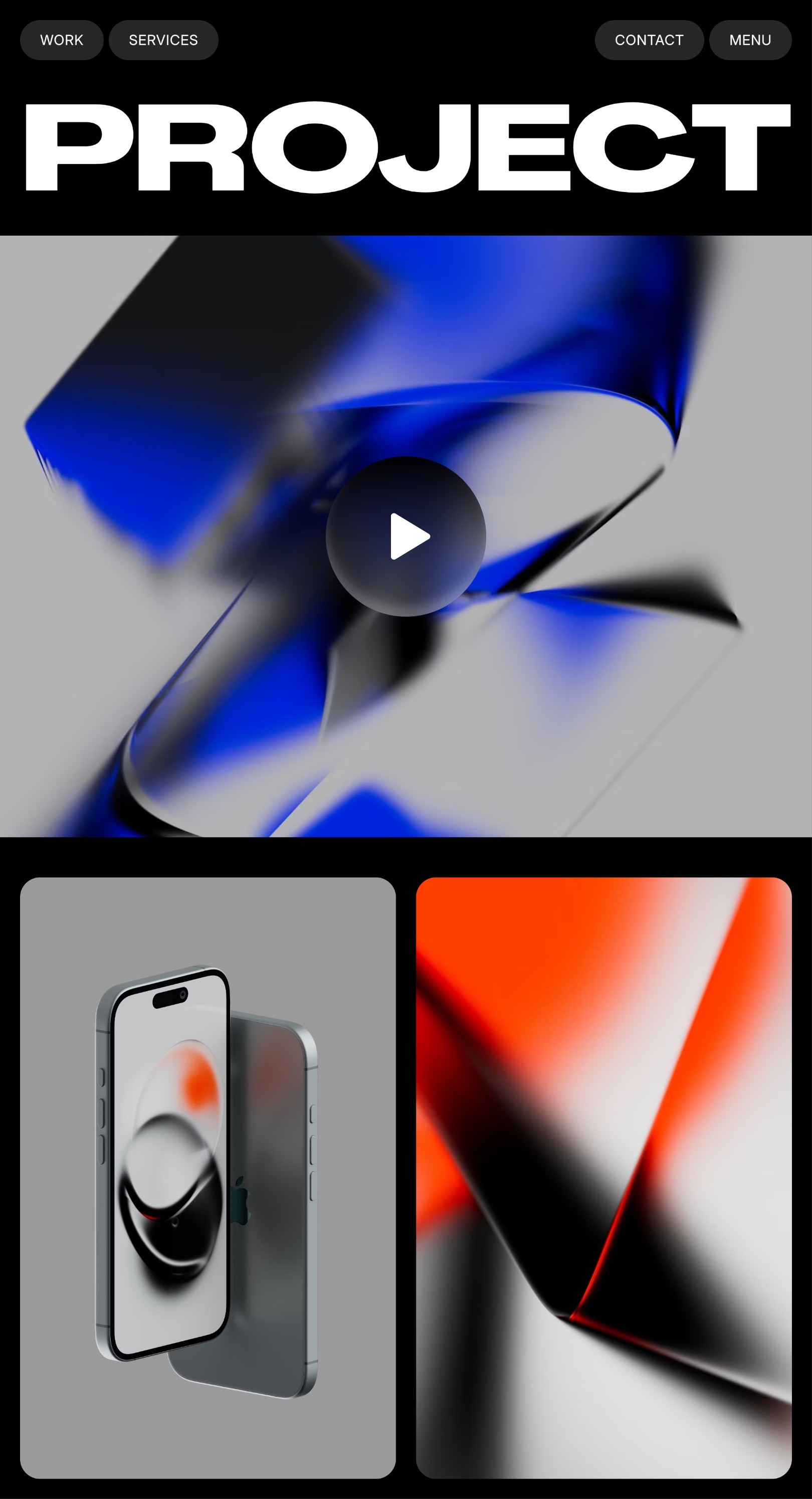
Website made in Framer
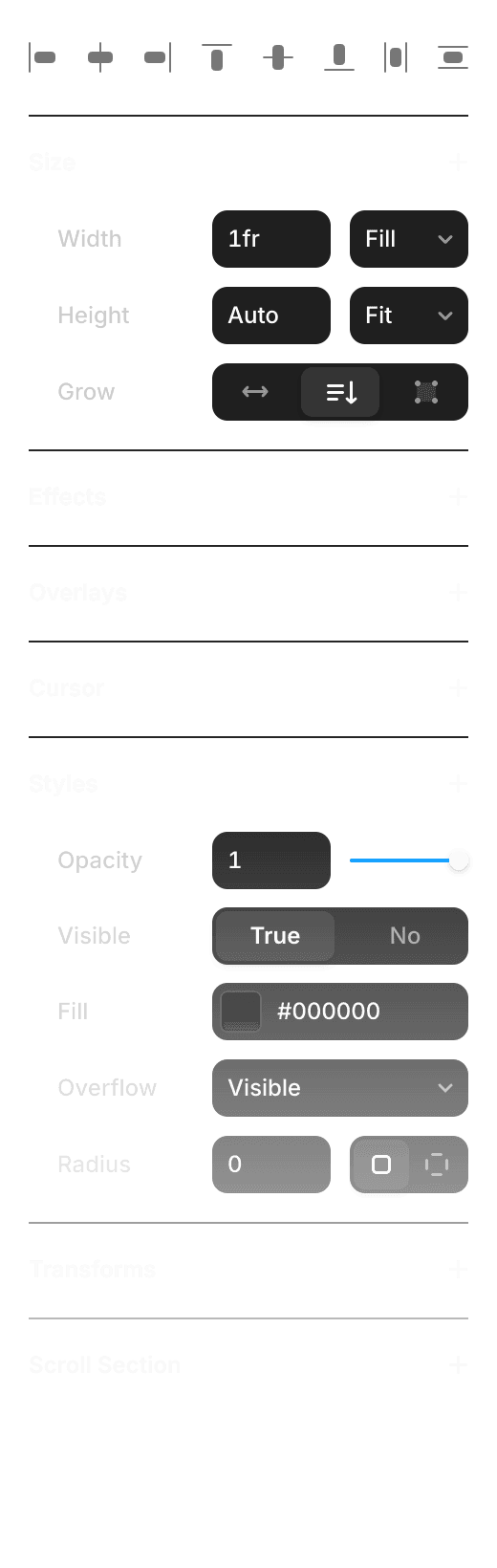
Properties

Start Here

Create, collaborate, and go live

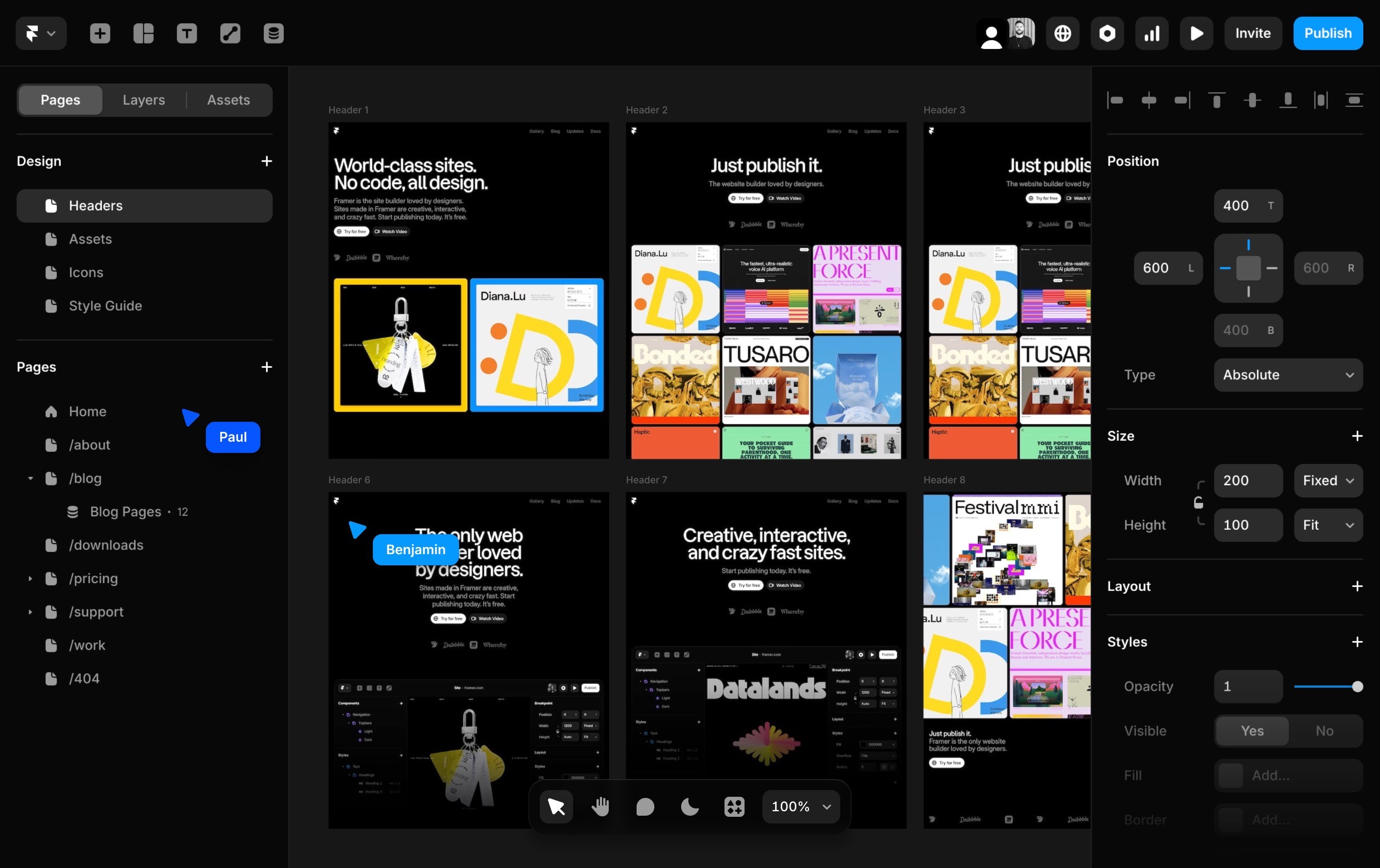
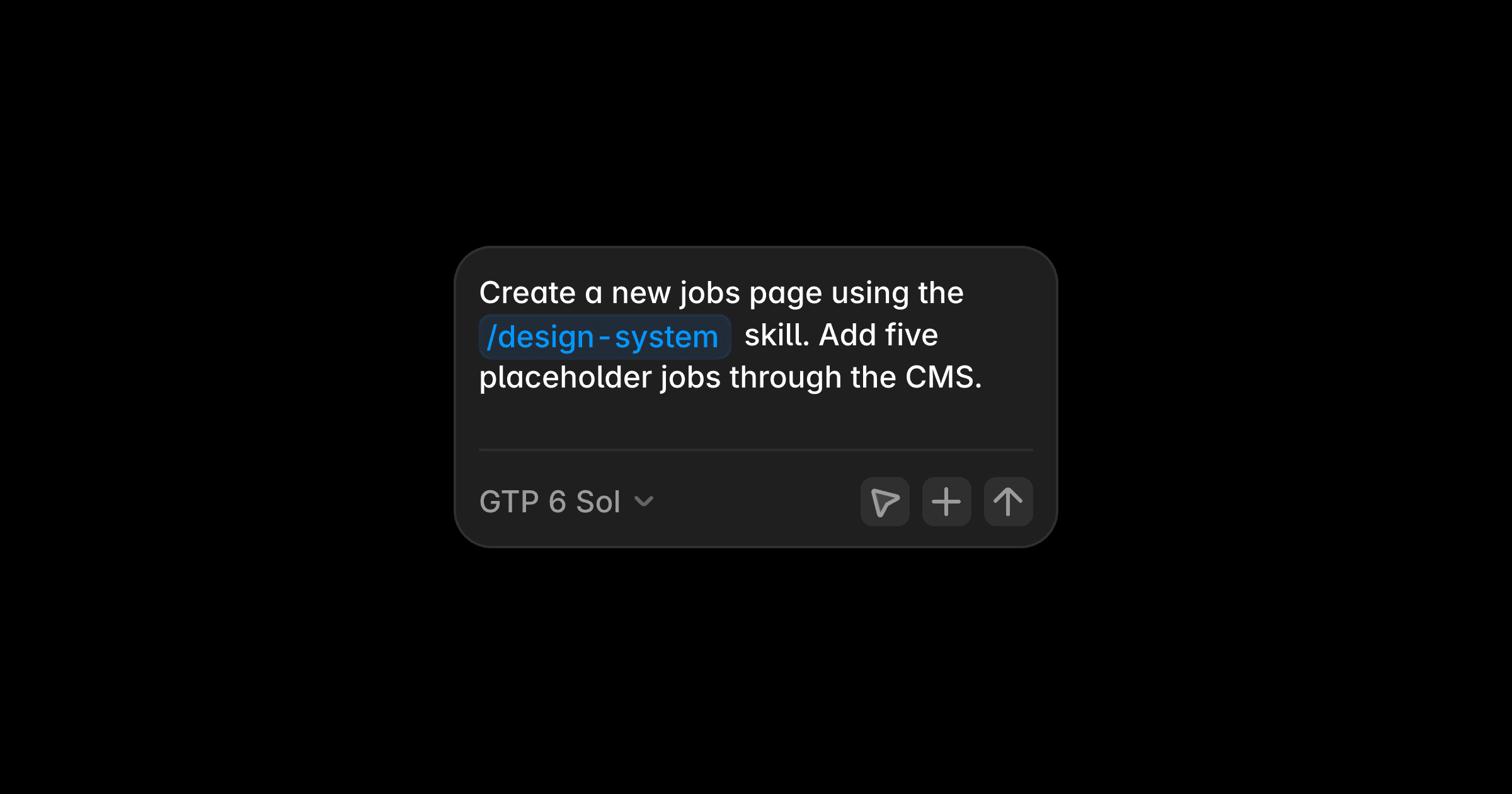
Generate site layouts and advanced components in seconds with AI, so you can skip the blank canvas and start designing with confidence.

Craft responsive layouts and bring them to life with smooth effects, interactions, and animations. Build exactly what you imagine, visually.

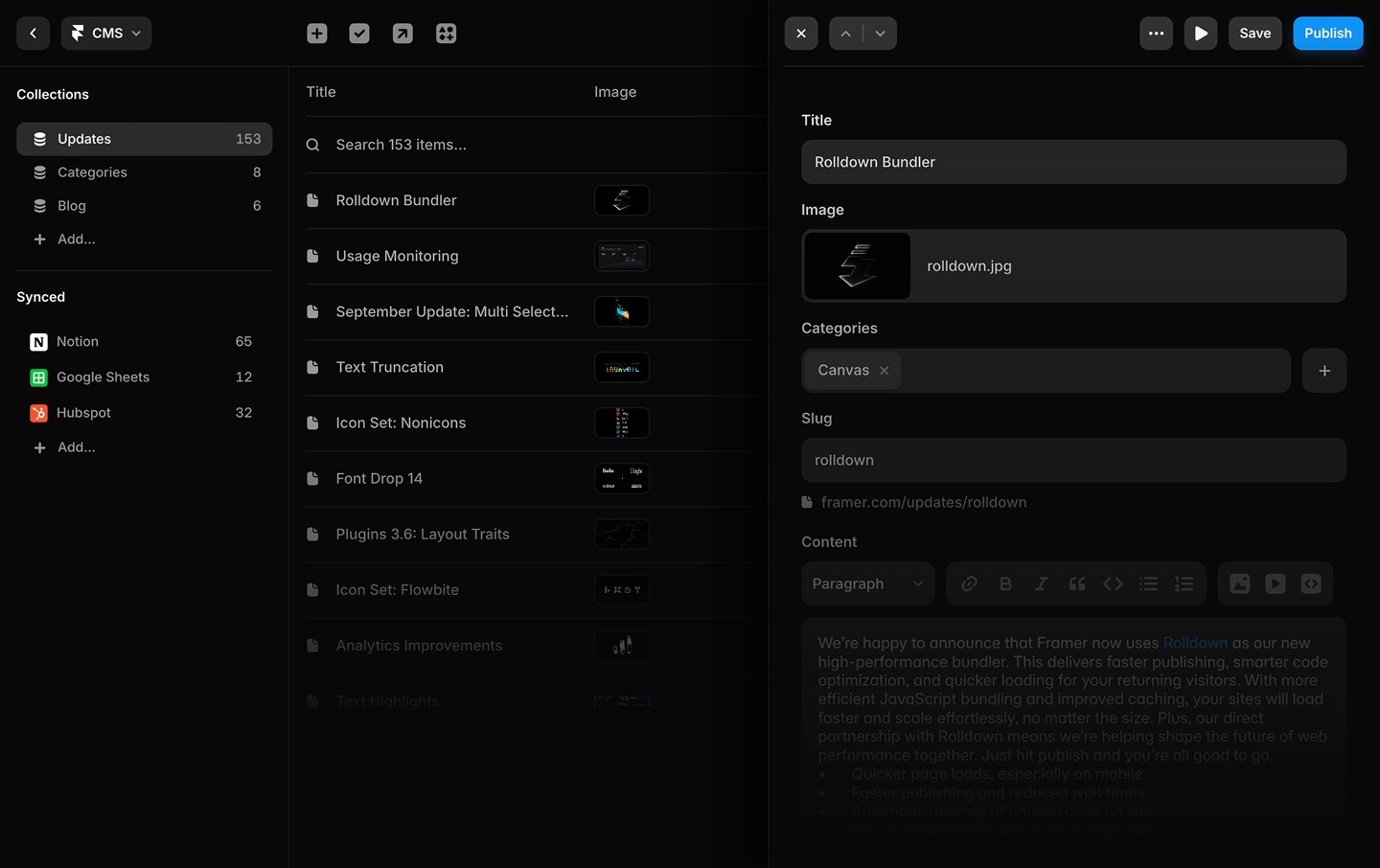
Manage and update your content effortlessly with a built-in CMS. Keep your site fresh without touching code.

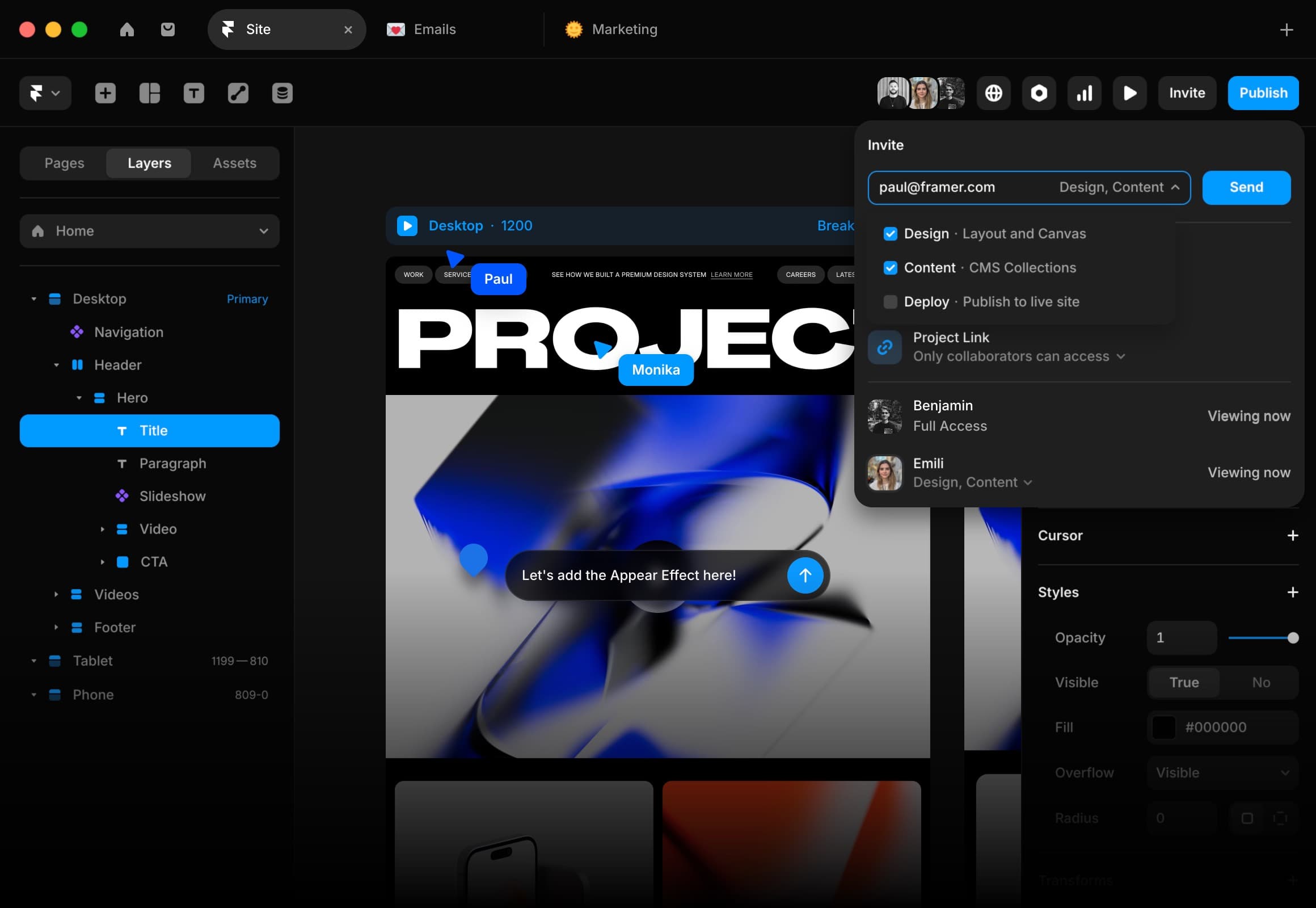
Whether you’re collaborating on the canvas or editing copy directly on the page, updates are seamless and handoff-free.

Framer UI
A smiling person with short hair, wearing a dark shirt, against a backdrop of blue sky and clouds.
Framer UI

Wireframer

UI

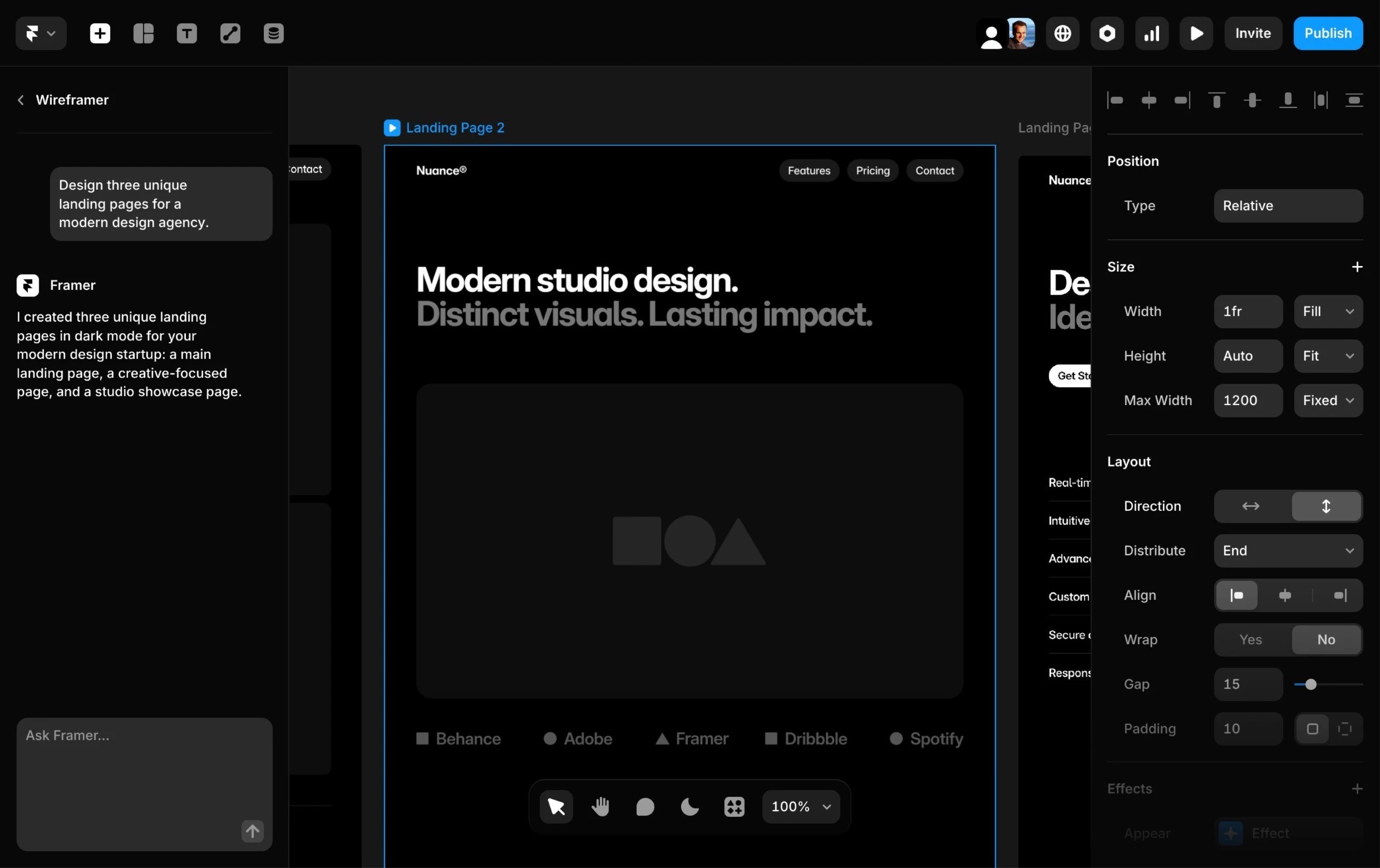
I created three unique landing pages in dark mode for your modern design startup: a main landing page, a creative-focused page, and a studio showcase page.

Landing Page 1

Example of a page generated by Wireframer

Landing Page 2

Example of a page generated by Wireframer

Landing Page 3


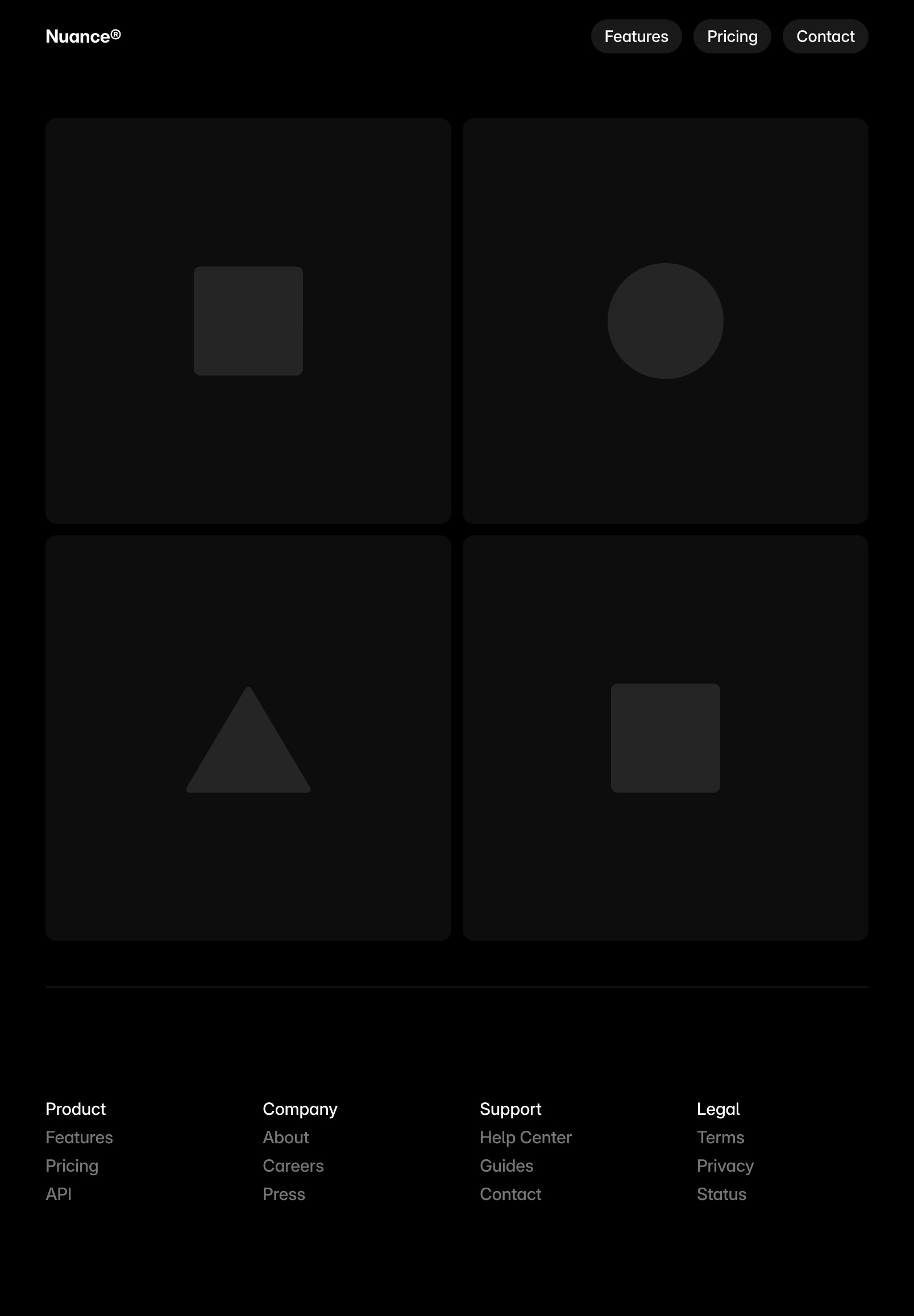
Example of a page generated by Wireframer

100%

Framer UI
Framer UI

Benjamin

Paul

Framer UI

100%

Framer canvas
Framer UI
Framer UI
Framer UI

Title

Image

Date

Category

Slug

Search 153 items…

CMS 3.0

CMS

cms-3.0

Holo Shader

Holo Shader

Design

holo-shader

Auto Translate

Localization

auto-translate

March Update: Bento

Bento Grids

Design

march-update-2026

Chromatic Aberration

Chromatic Aberration Shader

Design

chromatic-aberration-shader

Shaders

Shaders in Framer

Design

shaders

Static Files

Publishing

static-files

Custom Distribution

Custom Distribution

Publishing

custom-distribution

Framer Convert

Framer Convert

Design

framer-convert

February Update: Flow

Flow in Templates

Design

february-update-2026

Framer UI

Title

CMS 3.0

Image

cms-3.0.jpg

Categories

CMS

Slug

cms-3.0

framer.com/updates/cms-3.0

Content

Paragraph

The Framer CMS has been completely redesigned to make managing large collections faster and more intuitive. The new table view introduces full inline editing across all cells, eliminating the need to open overlays for most changes, with support for multi-cell selection, bulk actions, and quick copy and paste. Statuses, toggles, references, images, icons, and colors can all be updated directly in place. Keyboard navigation has been re-engineered from the ground up. Columns can now be resized, reordered, and customized, giving full control over the layout. New filtering and search capabilities make it easier to find exactly what you need, and collections can now be organized into folders for better structure. Additionally, fields have been moved to a dedicated panel with a cleaner UI and more space to manage fields. See all additions and fixes below.

Added
  • Added inline editing across all CMS table cells

  • Added dedicated panel for managing fields

  • Added multi-cell selection and bulk actions

  • Added folder support to CMS collections

  • Added filtering to items in the table view

  • Added column resizing and reordering

Improved
  • Improved rows multi-selection and bulk actions

  • Improved search combining it with active filters

  • Improved keyboard navigation across the CMS

  • Improved field dividers with and without titles

  • Improved the item overlay layout and fields

  • Improved clarity of draft and live statuses

  • Improved editing link fields in the overlay

  • Improved field warnings across all fields

  • Improved the menu to add new fields

Fixed
  • Fixed slow bulk editing across multiple fields

  • Fixed inconsistencies in editing media fields

  • Fixed removing fields in use being too slow

baseform.framer.website

Baseform®

Art Direction

Visual Design

Work,

Archive,

Profile,

Journal

Let's Talk

Latest News

View All Posts

Photo
Photo
Photo
Photo
Framer UI

Click to edit

·

Changes are auto-saved

Site saved

·

Collaborators are notified. Changes will be visible once the project is published.

Open in Framer

Finish Editing

AI

Generate page layouts and advanced components in seconds with AI, so you can skip the blank canvas and start designing with confidence.

AI

Generate page layouts and advanced components in seconds with AI, so you can skip the blank canvas and start designing with confidence.

Design

Craft responsive layouts and bring them to life with smooth effects, interactions, and animations. Build exactly what you imagine, visually.

Design

Craft responsive layouts and bring them to life with smooth effects, interactions, and animations. Build exactly what you imagine, visually.

CMS

Manage and update your content effortlessly with a built-in CMS. Keep your site fresh without touching code.

CMS

Manage and update your content effortlessly with a built-in CMS. Keep your site fresh without touching code.

Collaborate

Whether you’re collaborating on the canvas or editing copy directly on the page, updates are seamless and handoff-free.

Collaborate

Whether you’re collaborating on the canvas or editing copy directly on the page, updates are seamless and handoff-free.

Talk to sales

Let’s help your team build better.

Get demo

Discover how Framer empowers your team.

Enterprise trial

Try Framer to simplify your workflow.

Custom solutions

Get advice tailored to your team’s goals.