Framer vs. Figma: Which is best for publishing high-performance sites?
Both Figma Sites and Framer let you design and publish websites, but Framer is purpose-built for high-performance marketing sites with richer animations, a mature CMS, and advanced SEO and performance optimizations.










Why choose Framer over Figma Sites?


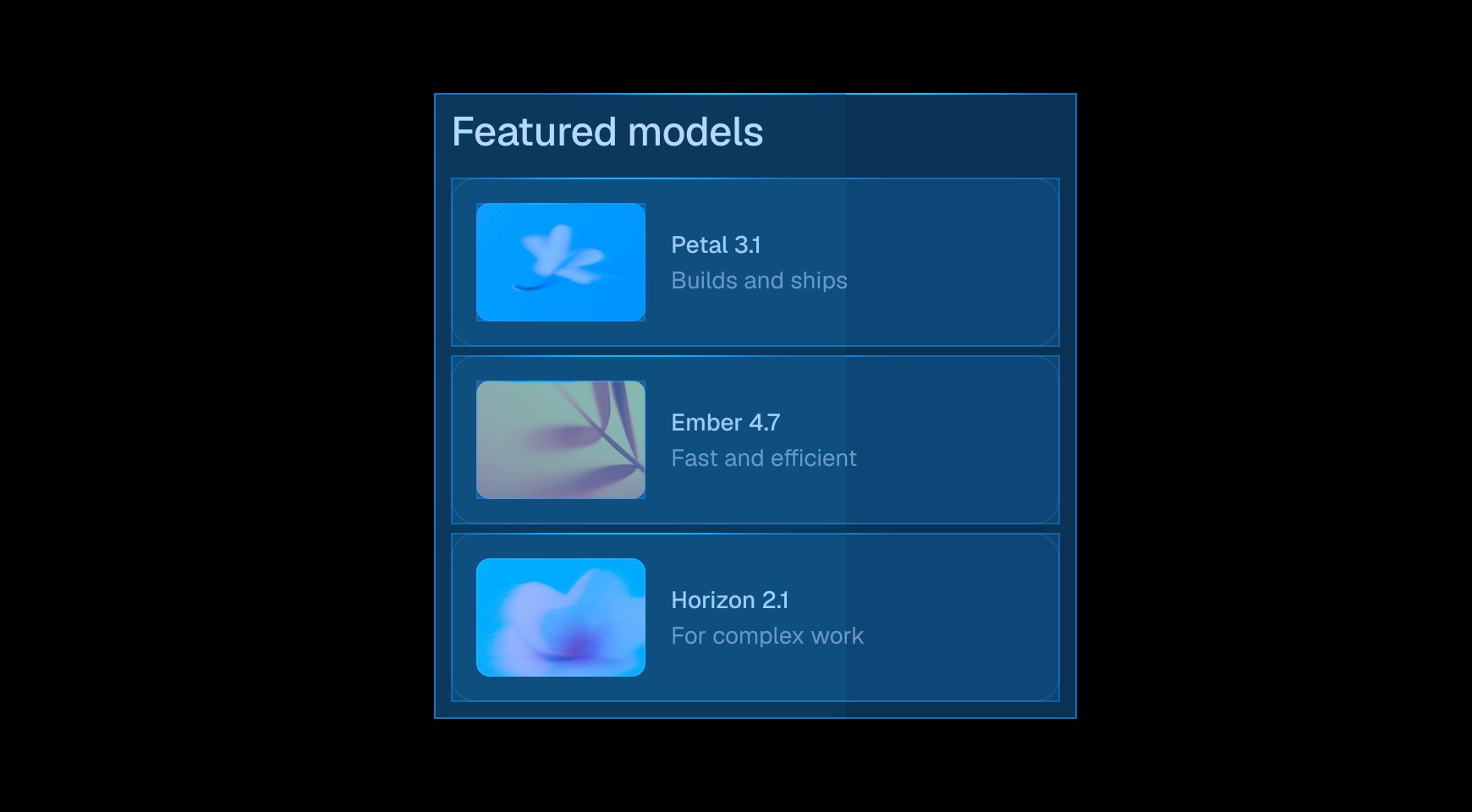

Start from a prompt and watch the agent generate layouts, sections, and visual style directly on your canvas. Refine typography, spacing, and color until it looks exactly right.


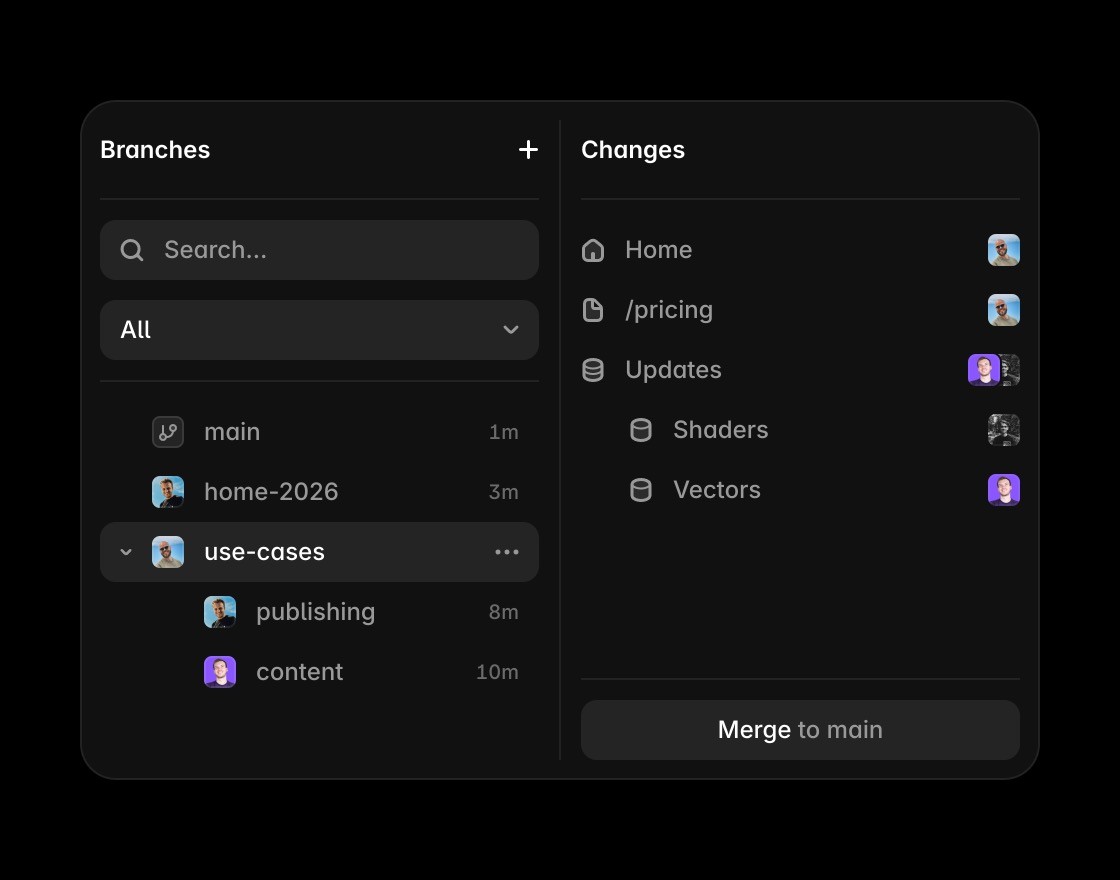
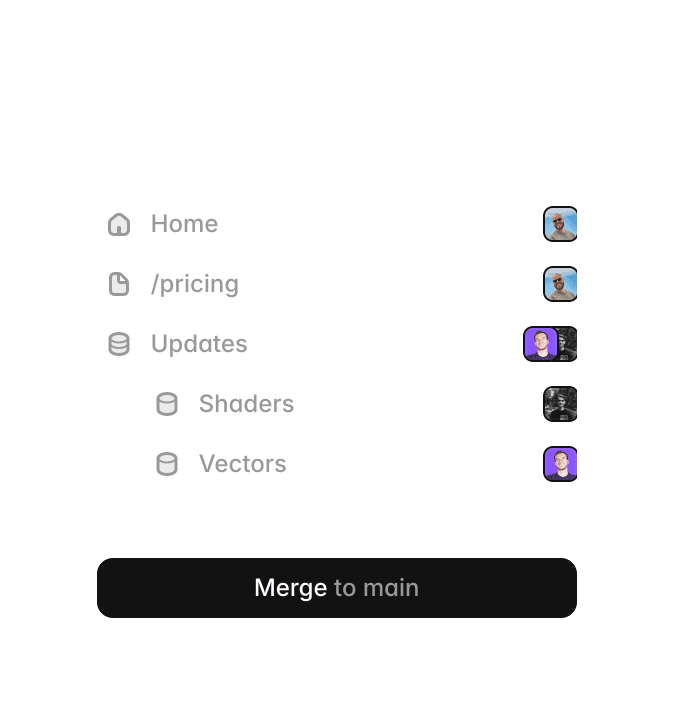
Invite teammates, leave comments, and design together in real time. Branch off to explore ideas without touching the main project, then merge when it’s ready to ship.

Edit and publish content directly on the canvas. See your changes in context without switching to a separate editor or leaving your layout.


Build components by hand or with the agent. Add variants, interactions, and properties so every instance works exactly as intended.
Framer vs. Figma Sites: Compare design, functionality, and publishing
Feature | Framer | Figma | What this means for you |
|---|---|---|---|
Pricing | Use Framer for free as your design tool. Unlimited projects, pages, and collaborators. | Limited free usage with limited projects and pages. | Use Framer as your primary design tool 100% free. You only pay when you launch a website on a custom domain. |
Best for | Designers interested in advanced no-code website building and direct publishing | Designers interested in initial design and basic prototyping | Design and render production-ready code at the same time |
Sites availability | Free site publishing on Framer subdomains | Requires paid plan to publish sites | Publish for free, upgrade when needed |
Design flexibility | Freeform canvas with layout tools built for real web behavior. Supports responsive design and advanced layout control. | Figma's design canvas adapted for publishing simple layouts. | Framer gives you creative freedom while generating a real, responsive website. |
Ease of use | Intuitive no-code website builder | Limited website builder | No handoff or extratools needed |
Live interactivity | Fully functional live site interactions | Supports basic live interactions | Deliver high-fidelity sites with rich interactivity easily |
Animations | No-code animations and effects | Basic animations | Bring designs to life without coding |
CMS | Built-in, production-proven CMS for blogs, docs, and resource hubs | Basic CMS features | Manage content directly within Framer |
SEO Tools | Advanced SEO & performance with built-in speed optimizations | Basic SEO capabilities | Get better rankings out of the box |
Publishing | One-click website publishing with hosting and SSL | Limited publishing capabilities | Publish high-performance sites instantly with ease |
Collaboration | Real-time editing with marketers & teams | Real-time design and site collaboration | Teams can edit and update live content |
Why switch from Figma Sites to Framer?
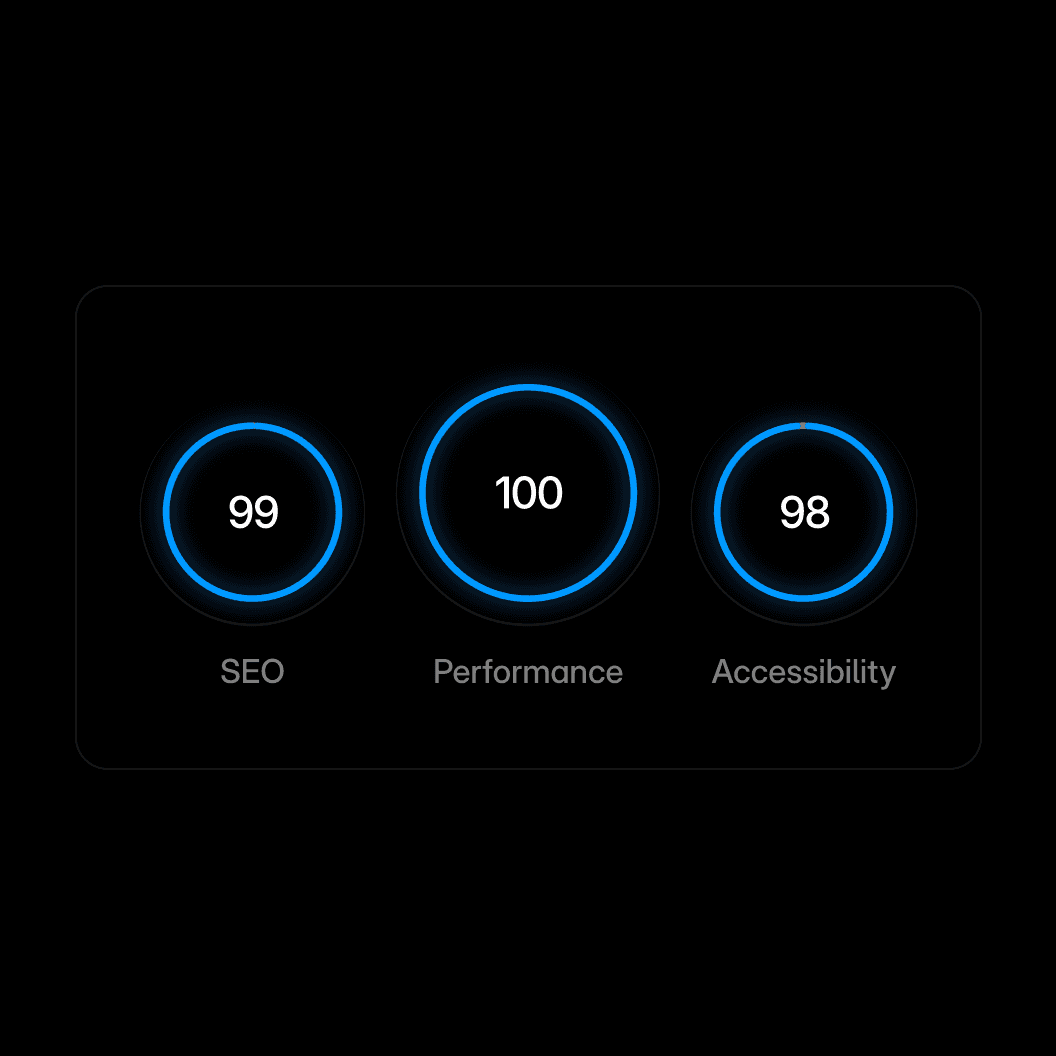
Performance. Framer includes the core SEO controls teams need, including metadata, canonical settings, indexing controls, redirects, and sitemaps.

Branch preview. Share your work with clients without touching the live site.




Branch-aware cursors. Multiplayer cursors are scoped per branch, so you always see the right people in context.







Code with an agent. Agents turn your wildest ideas into code and put them on your site. From simple custom effects to complex interactions.