Framer vs Readymag: Creative freedom that scales with you
Readymag is excellent for visual storytelling, portfolios, and creative one-offs. Framer is just as capable for portfolios, creativity, and small sites, and it is a pro web design platform that also scales to company and enterprise teams with a robust CMS.










Why choose Framer over Readymag?


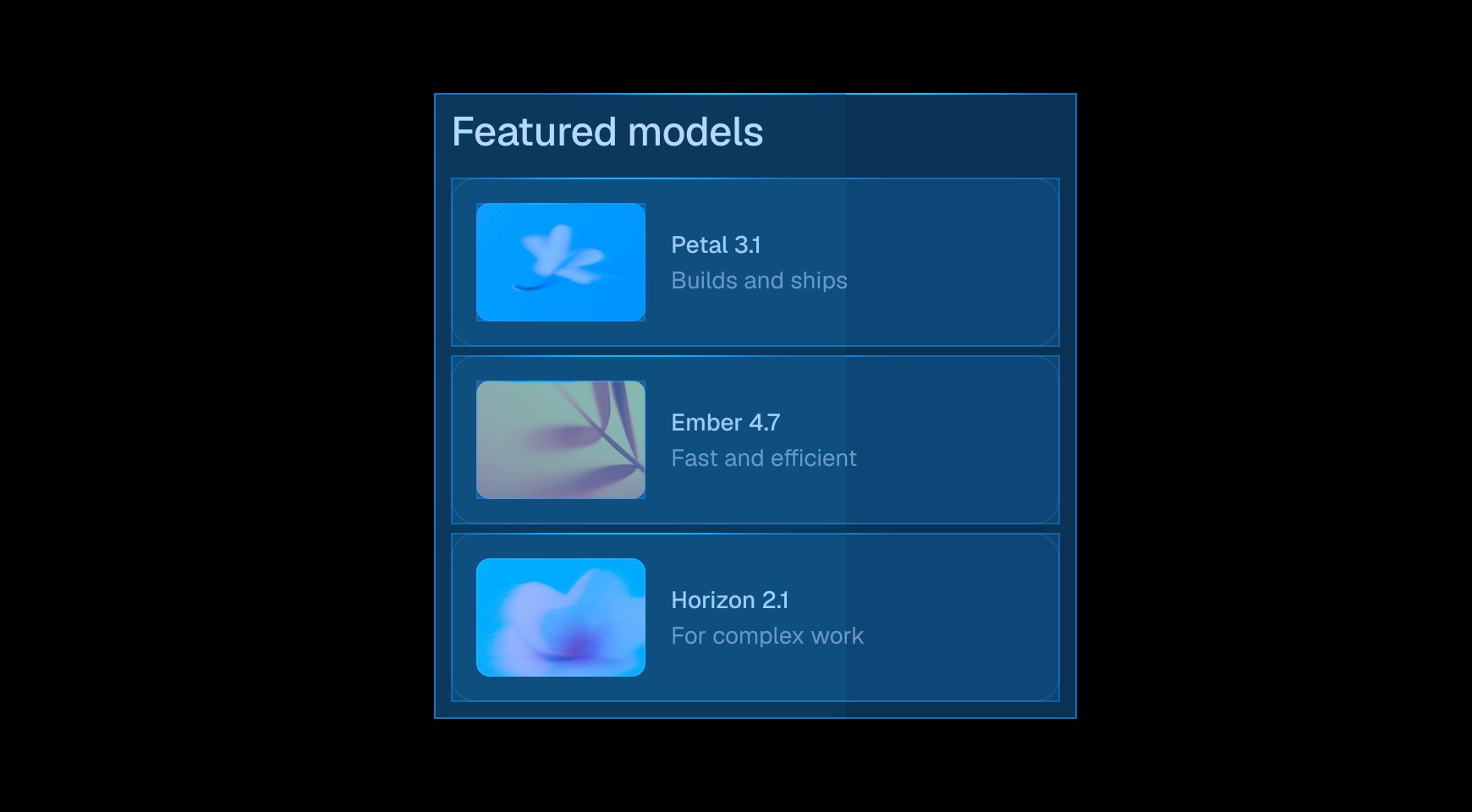

Start from a prompt and watch the agent generate layouts, sections, and visual style directly on your canvas. Refine typography, spacing, and color until it looks exactly right.


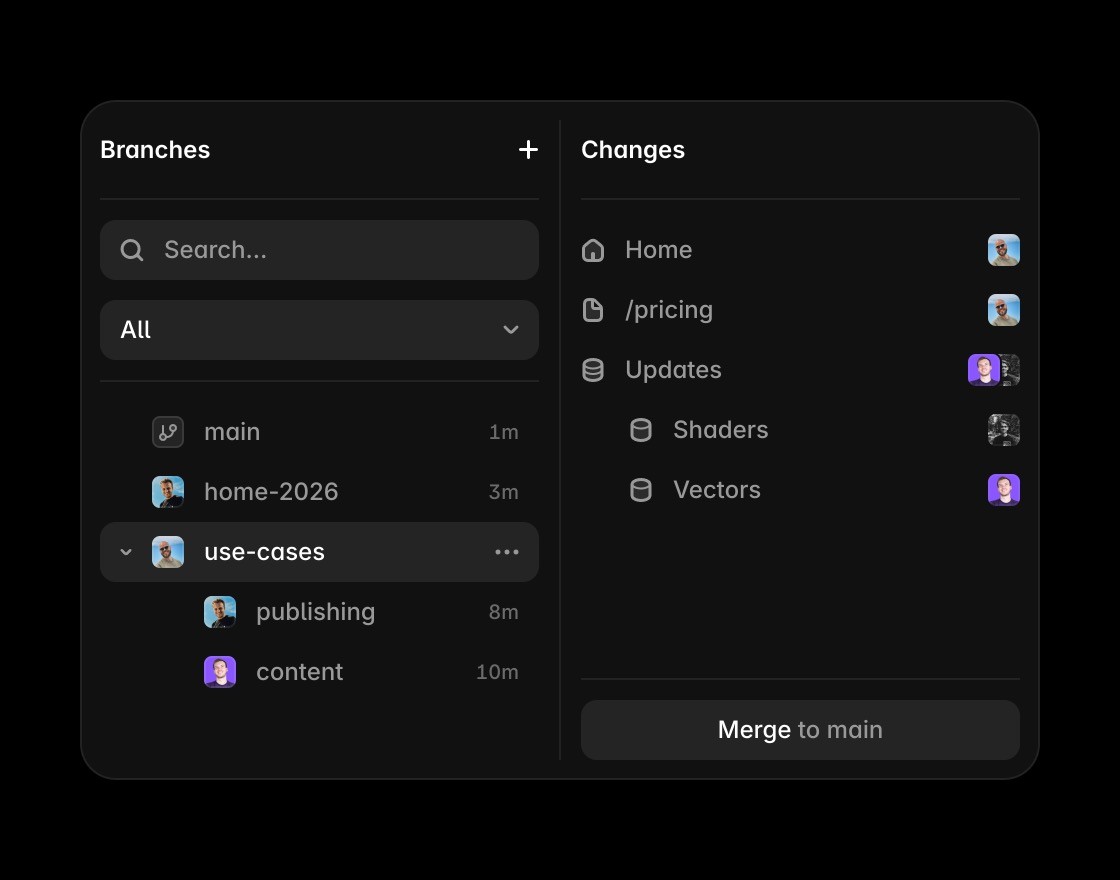
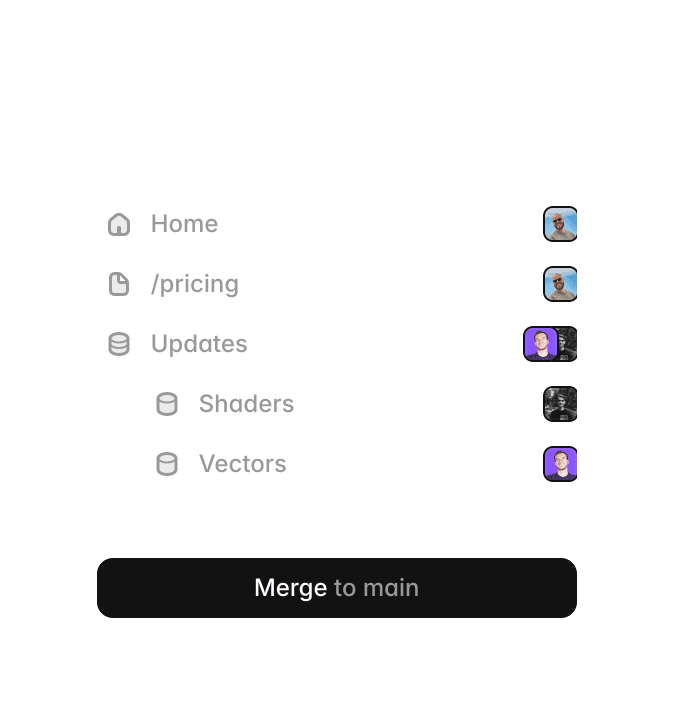
Invite teammates, leave comments, and design together in real time. Branch off to explore ideas without touching the main project, then merge when it’s ready to ship.

Edit and publish content directly on the canvas. See your changes in context without switching to a separate editor or leaving your layout.


Build components by hand or with the agent. Add variants, interactions, and properties so every instance works exactly as intended.
Framer vs Readymag: creativity, portfolio fit, CMS depth, and enterprise scale
Feature | Framer | Readymag | What this means for you |
|---|---|---|---|
Best use case | Portfolios, small creative sites, and full-scale marketing websites that keep evolving. | Portfolios, campaign pages, and visually rich storytelling websites. | Both are strong for creative and small-site work. Framer adds a clearer path from small projects to large web programs. |
Creative workflow | Canvas-based design workflow similar to Figma, with freeform composition and production-ready publishing. | Freeform visual composition with powerful no-code animation and interactive storytelling patterns. | Framer is just as capable for creative experimentation while being easier to carry into long-term web operations. |
CMS robustness | Robust CMS with relational structure, references, filtering, and high-scale content limits. | Strong content editing for design-first projects; for larger catalogs, Readymag docs recommend third-party tools in some cases. | For high-volume, structured content programs, Framer generally has the stronger CMS position. |
Collaboration | Live collaboration with role controls and clear workflows across design, content, and publishing. | Collaboration modes, comments, and permissions with plan-based collaborator limits. | Both support teams; Framer is often smoother for day-to-day multi-role production. |
SEO controls | Strong SEO workflow with metadata and CMS-driven SEO support. | Project SEO controls plus GA and GTM support on paid custom-domain projects. | Both cover essentials. Framer is typically stronger for broader SEO operations across larger sites. |
Domains and publishing | Custom domains, team-oriented release workflows, and higher-tier staging/rollback options. | One-click publish/republish, custom domains by tier, and code export on higher plans. | Readymag ships fast; Framer gives more control when releases become frequent and complex. |
Pricing structure | Basic €10, Pro €30 (annual context), with editor seats by plan. | Personal $14/$19, Freelancer $29/$38, Advanced $58.5/$65, Extra custom. | Both can start lean. Framer is generally easier to scale as team and website scope grow. |
Enterprise readiness | Enterprise security and governance including SSO, role-based access, and major compliance coverage. | Enterprise offering includes SSO, domain/password protection, custom limits, and dedicated support. | Both are enterprise-capable. Framer combines enterprise controls with a stronger web design + CMS operating model. |
Company adoption | Positioned for teams from startups to large organizations, with enterprise workflows built in. | Used by agencies and companies for premium visual projects and brand storytelling. | Both have serious clients. Framer is usually the better fit when big-client expectations include ongoing scale and governance. |
Overall recommendation | Best for teams that want top-tier creativity on a canvas workflow and a platform that scales to companies and enterprise. | Best for highly art-directed, design-first storytelling and portfolio experiences. | If you need both creative experimentation and long-term platform scalability, Framer is the stronger long-term choice. |
Why switch from Readymag to Framer?
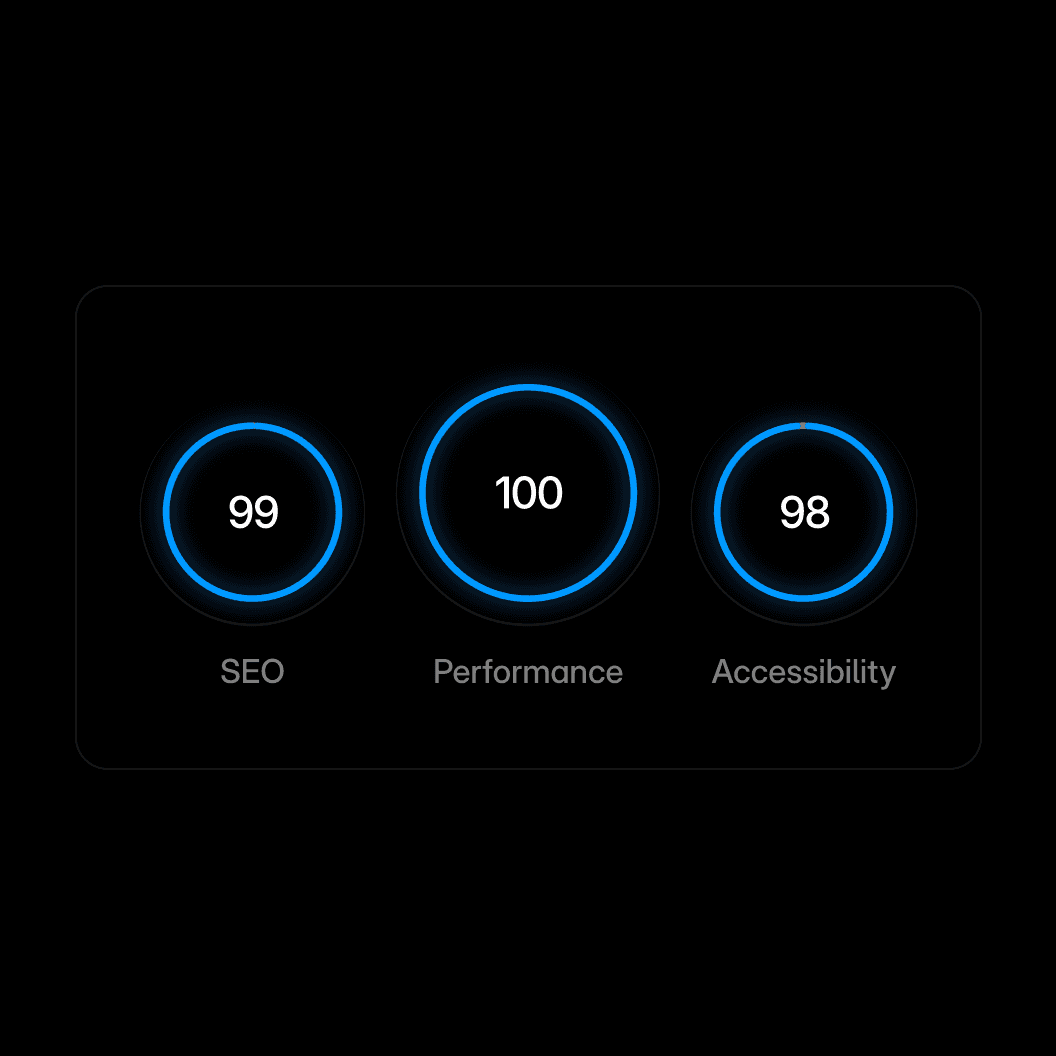
Performance. Framer includes the core SEO controls teams need, including metadata, canonical settings, indexing controls, redirects, and sitemaps.
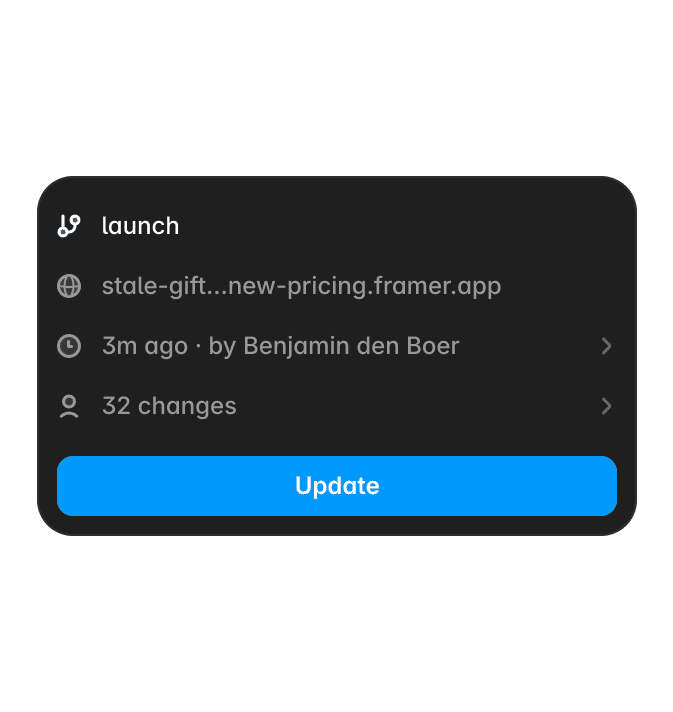
Branch preview. Share your work with clients without touching the live site.




Branch-aware cursors. Multiplayer cursors are scoped per branch, so you always see the right people in context.







Code with an agent. Agents turn your wildest ideas into code and put them on your site. From simple custom effects to complex interactions.