Framer vs Webflow in 2026: Pricing, CMS, Enterprise, and speed compared
Build beautiful, high-performing websites without limitations. Framer is the modern, intuitive no-code alternative to Webflow, empowering designers and creative teams to bring their visions to life without complex UI settings, restrictive flexbox structures, or developer-dependent workarounds.










Why choose Framer over Webflow in 2026?


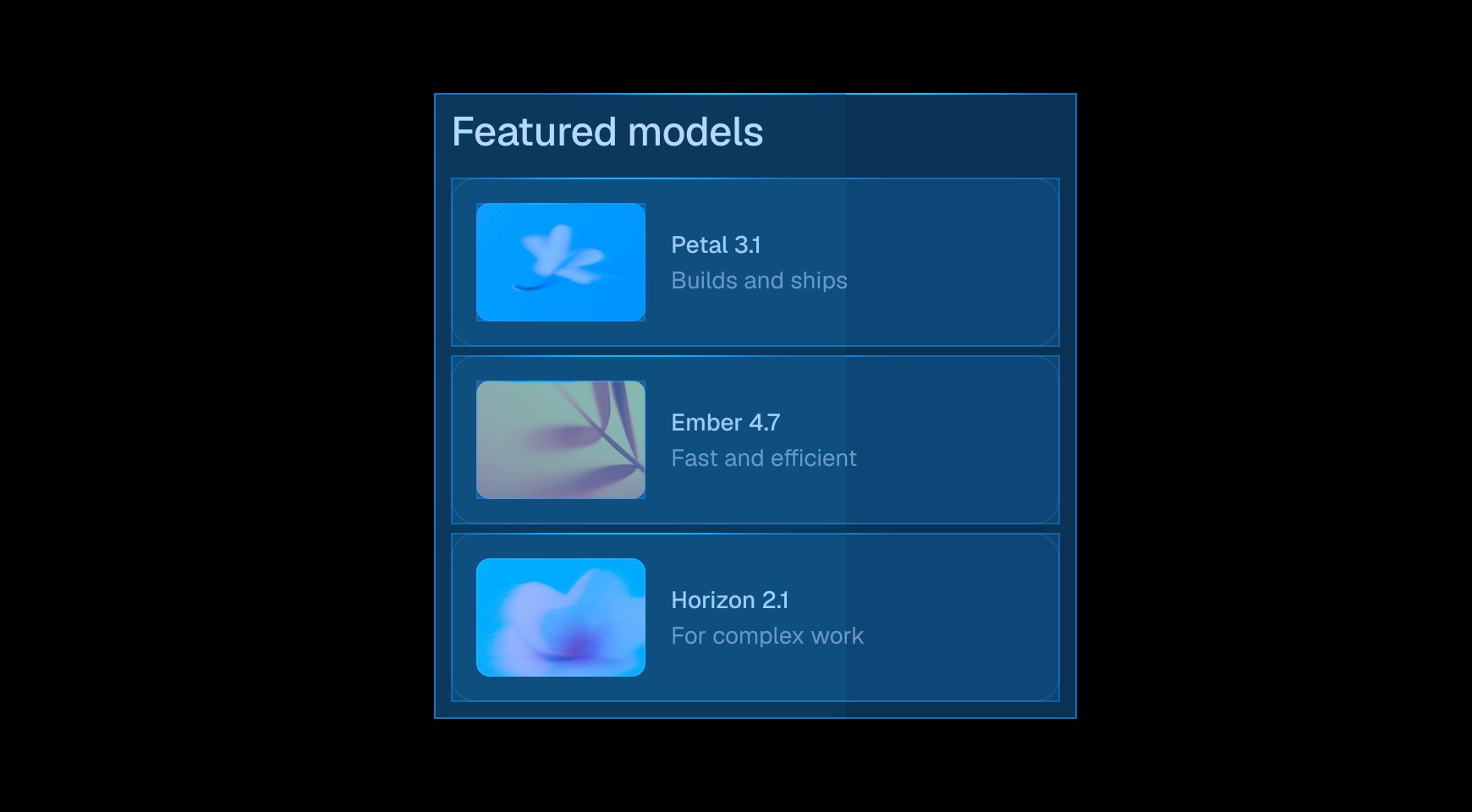

Start from a prompt and watch the agent generate layouts, sections, and visual style directly on your canvas. Refine typography, spacing, and color until it looks exactly right.


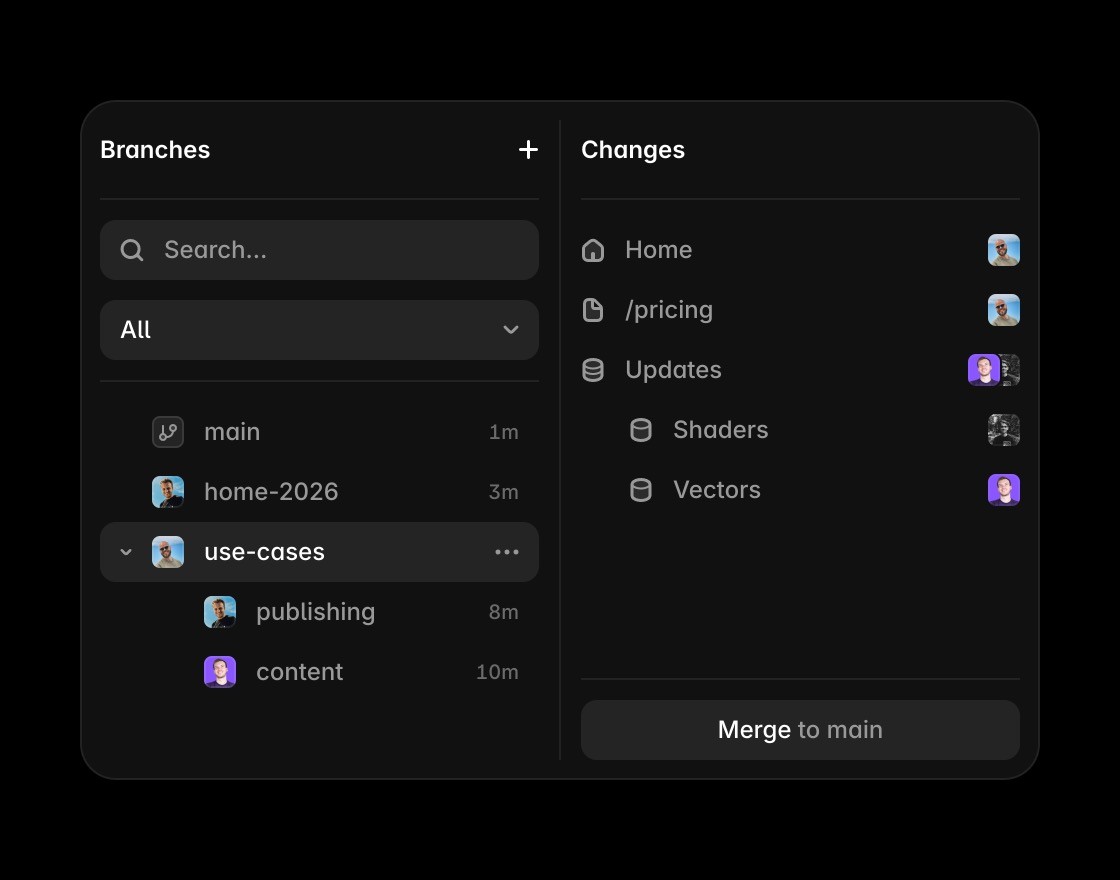
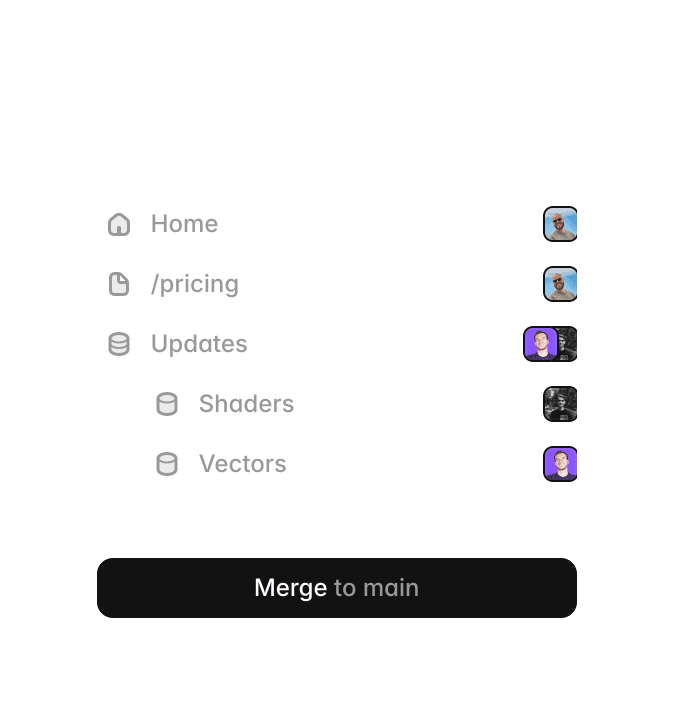
Invite teammates, leave comments, and design together in real time. Branch off to explore ideas without touching the main project, then merge when it’s ready to ship.

Edit and publish content directly on the canvas. See your changes in context without switching to a separate editor or leaving your layout.


Build components by hand or with the agent. Add variants, interactions, and properties so every instance works exactly as intended.
Framer vs Webflow: pricing, CMS, enterprise, and workflow comparison
Feature | Framer | Webflow | What this means for you |
|---|---|---|---|
Design workflow | Freeform, design-first canvas with strong control | Class-based, CSS-style production workflow | Both are powerful, but Framer usually gets teams from idea to launch faster. |
Time to launch | Fewer setup steps for marketing and campaign pages | More structured setup before design iterations | Framer is typically the quicker path for high-velocity teams. |
Collaboration | Real-time multiplayer editing with design-tool-like flow | Real-time collaboration with role-based workflows | Both support real-time work; Framer often feels smoother for rapid iteration. |
CMS robustness | Robust CMS for large, structured, high-volume content operations | Robust CMS with strong limits and add-ons | Framer is just as capable for enterprise CMS use, with simpler day-to-day editing. |
Enterprise readiness | Enterprise-grade security, governance, and support options | Enterprise-grade security, governance, and support options | Framer is fully enterprise-ready, not only for small teams. |
SEO controls | Built-in metadata, canonical, indexing, sitemap, and redirects | Comprehensive native SEO controls and optimization options | Both are SEO-capable; Framer keeps execution simpler for design-led teams. |
Performance | Managed hosting optimized for modern marketing sites | High-performance hosting with enterprise scaling | Both can perform well, with Framer often requiring less operational overhead. |
Pricing structure | Straightforward site plans plus editor seats | Site plans plus workspace seats and optional add-ons | Framer is generally easier to forecast and manage as teams scale. |
Developer extensibility | Code components and integrations for custom needs | Strong API and developer tooling depth | Webflow has deeper developer surfaces; Framer still covers most marketing-team requirements with less complexity. |
Best fit | Design-led teams that need speed without sacrificing scale | Teams prioritizing deeply structured web production flows | For most marketing and growth teams, Framer is the better default in 2026. |
Why switch from Webflow to Framer?
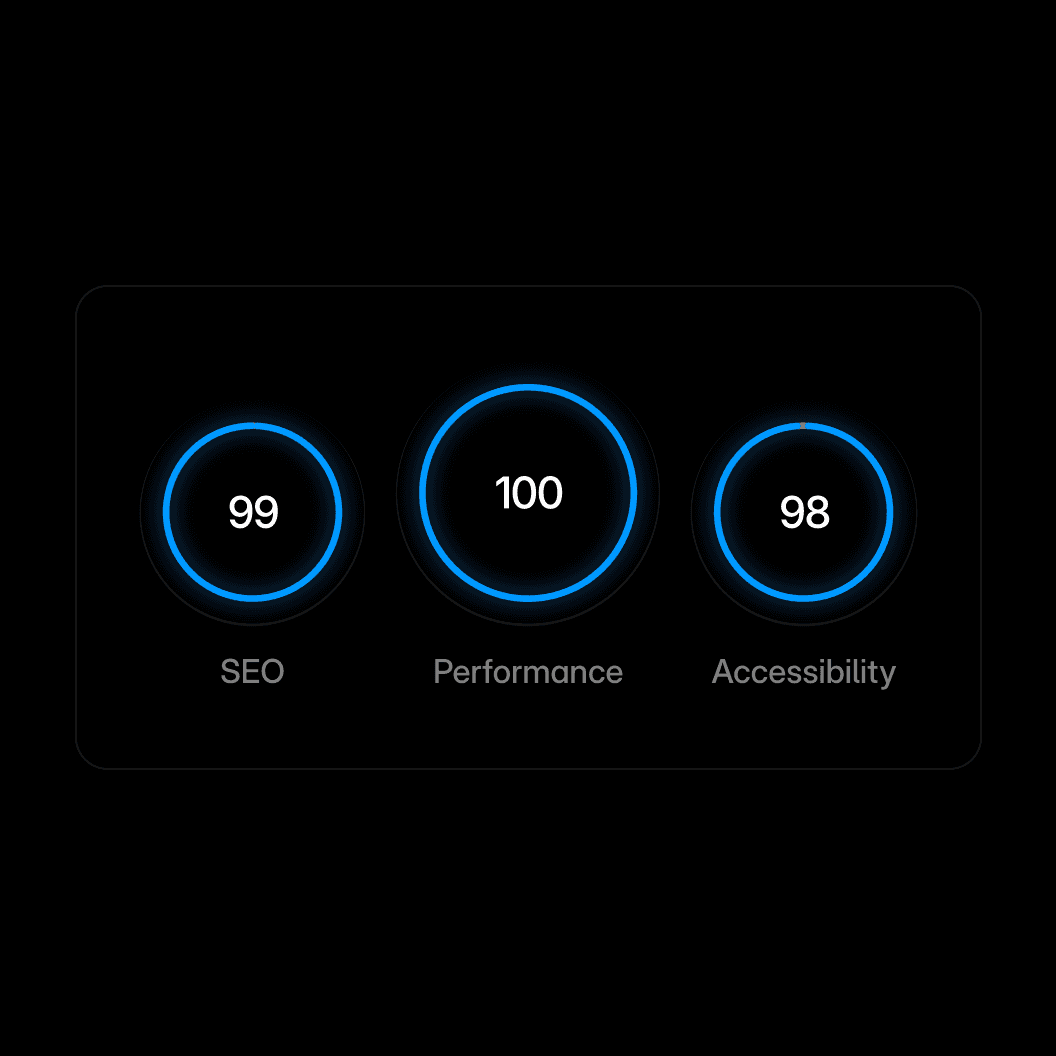
Performance. Framer includes the core SEO controls teams need, including metadata, canonical settings, indexing controls, redirects, and sitemaps.

Branch preview. Share your work with clients without touching the live site.




Branch-aware cursors. Multiplayer cursors are scoped per branch, so you always see the right people in context.







Code with an agent. Agents turn your wildest ideas into code and put them on your site. From simple custom effects to complex interactions.