How AI credits and Agent pricing work
Learn how AI credits power Framer’s AI features, how credits are allocated across plans, and what happens when you reach your limit.
AI credits power Framer’s AI features through a shared monthly allowance at the workspace level. This article explains which features use credits, how credits are calculated, how they reset, and what happens when your workspace reaches its limit.
What are AI credits?
Framer Agents run on AI credits, a shared monthly allowance available to each workspace. Credits are used by AI-powered features such as Agent chat and other user-initiated AI workflows.
The number of credits a prompt uses depends on the complexity of the request and the amount of work required to complete it.
Which features use credits?
Not all AI features consume credits. Framer’s AI features fall into two categories.
Feature type | Behavior | Examples |
|---|---|---|
Credit-using features | Consume AI credits and pause when your workspace reaches its limit. | Agent chat, Workshop chat or AI translations |
Editor helpers | Do not consume credits and continue working even after the limit is reached. | Layer auto-renaming, tracking ID suggestions and other lightweight editor enhancements |
These editor helpers remain available even when your workspace has exhausted its monthly credit allowance.
How many credits does my plan include?
Your workspace’s monthly AI credit allowance is calculated by combining the credits included with all site plans across projects in the workspace.
Credits stack across projects. For example, a workspace with two projects on the Basic Site plan receives 2,000 AI credits per month.
On the Free plan, workspaces receive a one-time allowance of 500 credits. Credit-using features pause when the monthly allowance is reached.
For detailed plan information, see Framer’s pricing page.
When credits reset
On paid plans, AI credits renew on each plan’s billing renewal date. If your workspace has plans with different renewal dates, their credit allowances renew separately as each billing cycle begins.
Buying additional credits
If your workspace needs more credits than are included with its plans, you can purchase the AI Credits add-on.
The add-on increases your workspace’s monthly AI credit allowance and has its own billing cycle.
If the add-on is canceled, the additional credits are removed immediately rather than remaining available until the end of the billing period.
If you run out of credits after using the ones included with your AI Credits add-on, you can buy a one-time credit top-up to keep working without waiting for your monthly credits to reset.
A top-up requires an active AI Credits add-on, so you’ll need the add-on in place before you can purchase top-up credits.
Unlike the recurring add-on, top-up credits are a one-time purchase and expire at the end of the calendar month in which they’re bought—they don’t roll over into the next month.
What happens when you reach your limit?
Framer notifies workspace admins as usage approaches the monthly limit.
At 80% of the monthly allowance:
Workspace admins receive an in-product warning.
Workspace admins receive an email notification.
At 100% of the monthly allowance:
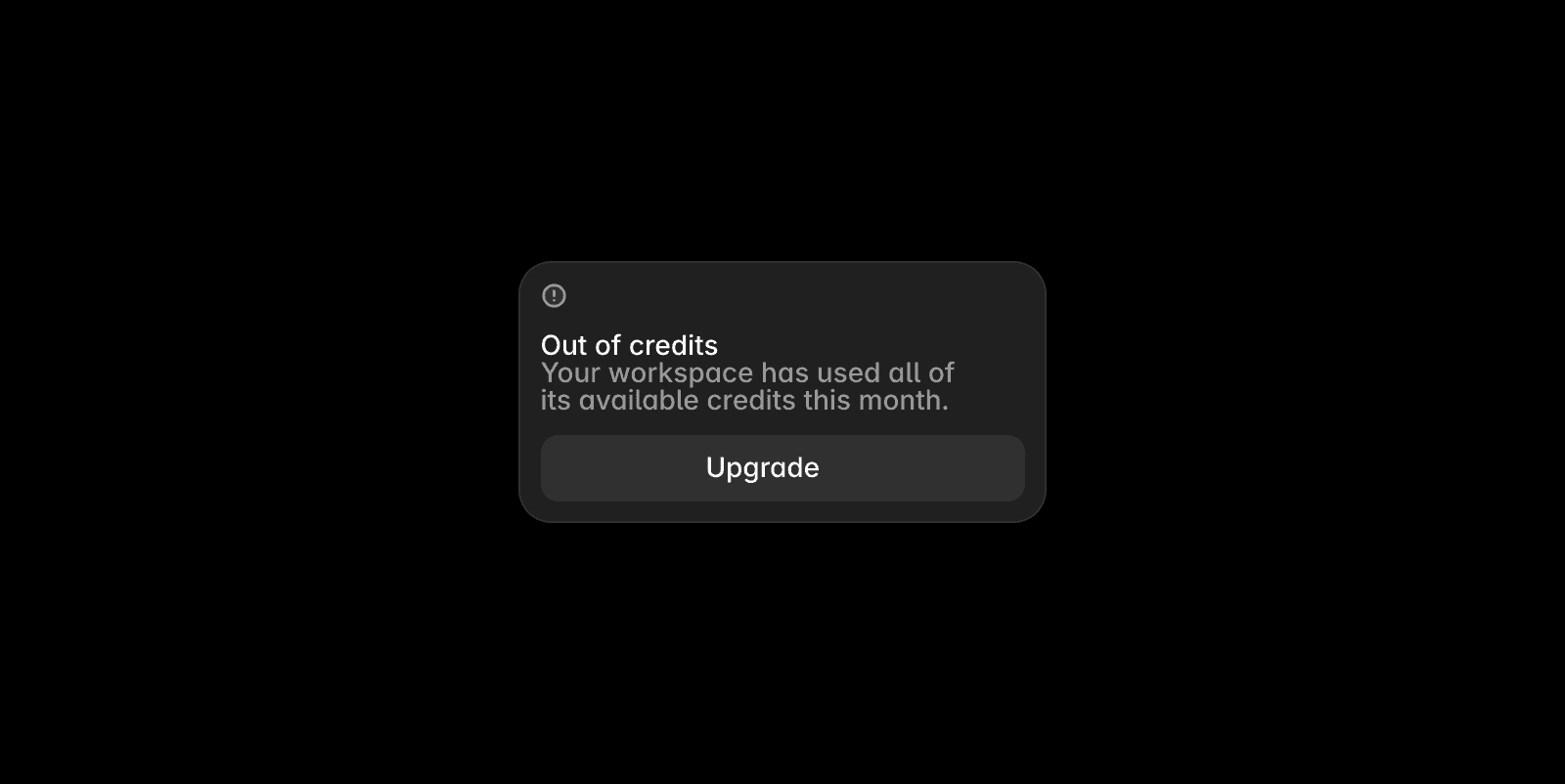
Credit-using features pause.
Existing requests already in progress are allowed to finish.
New credit-using requests are blocked until credits reset or additional credits are purchased.
Editor helpers, such as auto-renaming, continue to work even after the limit has been reached.
Who can buy credits and view usage?
Workspace admins can:
Purchase the AI Credits add-on.
View AI credit usage across the workspace.
Any user with permission to use AI features can continue using them while credits remain available.
If you need additional credits but do not have permission to purchase them, contact a workspace admin.
FAQ
Do unused credits roll over to the next month?
No. Credits included with paid plans renew on each plan’s billing renewal date, and unused credits do not carry into the next billing cycle.
Does every prompt cost the same number of credits?
No. The amount depends on the complexity of your request and how much work the Agent does to complete it, so a quick edit costs less than a large, multi-step task.
What happens to add-on credits if I cancel the add-on?
The extra credits are removed as soon as you cancel, rather than staying until the end of the billing period. Your plan's standard monthly allowance is unaffected.
Will I lose work when I hit my AI credit limit?
No. Any prompt that's already running when you reach the limit finishes normally. Only the next credit-using action is blocked until your credits reset or you buy more.
Updated
