Use external agents with Framer
Learn how to use Claude Code, Codex in ChatGPT, Gemini, and other external agents to interact with your Framer project.
External agents can help you make structured content and design updates in Framer by connecting to your project through the Framer agent setup.
Set up the Framer agent
Copy the following prompt in and paste it into your agent of choice, for example Claude Code:
Then, simply ask it to interact with your Framer project.
For example, ask something like “What blog posts do I have in <link to Framer project>?”
The first time you use an external agent with a project, Framer will open your browser and ask you to allow the connection to your project.
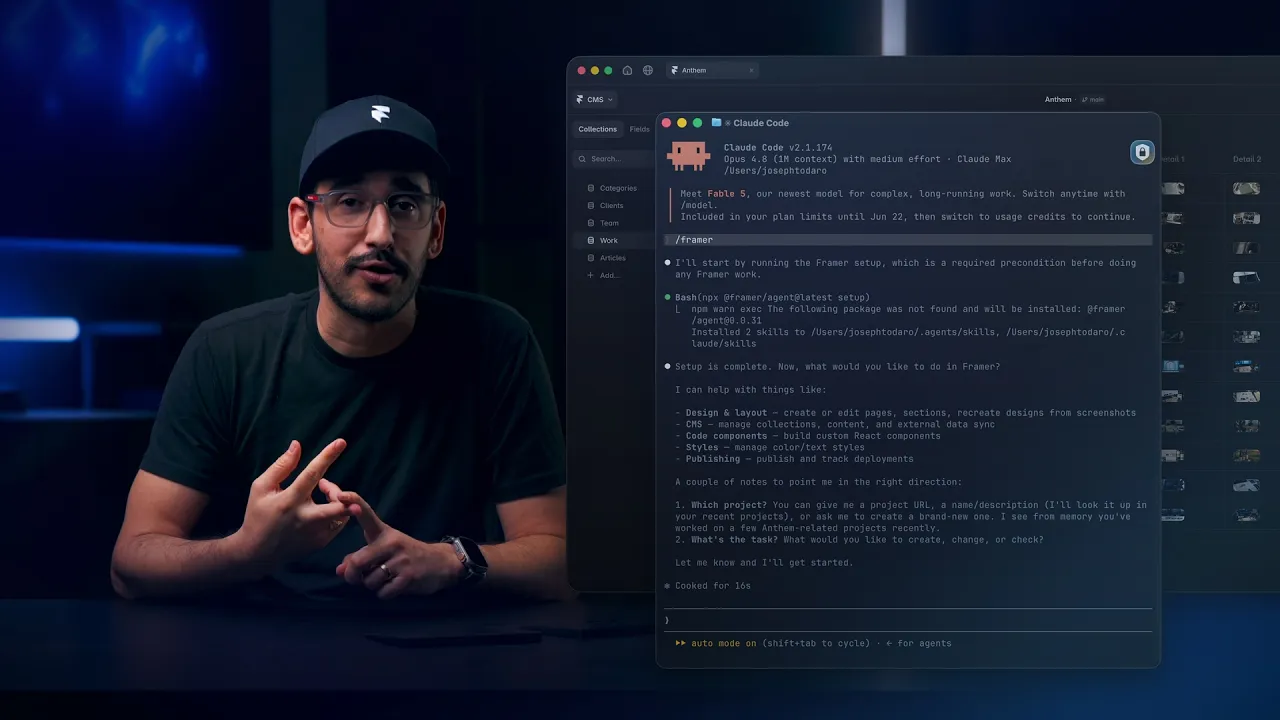
Connect Framer to Claude Code, ChatGPT Codex, Cursor, and more
7:13
What external agents work well for
External agents work best when they interact with structured data in your Framer project, such as localizations, CMS items, and redirects.
For example, you can ask an agent to:
Update all blog posts so they refer to a product as “NewName” instead of “OldName”.
Make sure every URL in a file has a redirect pointing to its new URL.
Create a Team collection with five fake users, including a name, role, and biography.
Update the Spanish translations of the home page to use a more relaxed tone.
External agents can also help with content and design changes. For example, you can ask an agent to update an about page with a project grid, change the homepage hero to use a new color scheme, update footer links, or add icons to a features section.
What external agents cannot do yet
External agents cannot currently:
Update some site or project settings like project names and domains.
Assign overrides to nodes.
Access analytics data.
FAQ
How do I set up an external agent with Framer?
Run npx @framer/agent setup in your terminal. Then open your preferred terminal or LLM tool, connect it to your Framer project, and follow the prompt to add an API key the first time you use it.
Which external agents can I use with Framer?
Framer Agent works with any local agent harness that can work with Skills and can call local tools, including Claude Code, Codex in ChatGPT, Cursor, Gemini CLI, and Windsurf.
Can an external agent make any change to my Framer project?
External agents are best for structured project work, such as CMS updates, localization changes, redirects, repeated content edits, and other tasks that benefit from inspecting and updating project data.
Does the agent have access to my CMS?
Yes. Once connected, the agent can read and write CMS collections, including creating, updating, and deleting items. You stay in control of what gets published.
Do I need to set up a Framer MCP server
No. Framer doesn’t require a separate MCP server. If you’re searching for a Framer MCP, the native Framer Agent connection gives Claude Code, Cursor, Codex in ChatGPT, Gemini CLI, and other AI tools direct access to your canvas, components, CMS, and project context, without manual MCP setup.
Updated
